A clothing brand posts a new arrival on Instagram at 9 a.m. By noon, the comments section has thirty questions about sizing, and the DM inbox has another forty messages asking about shipping and restocks. One person is answering all of it, and by the time she gets to message twenty-five, the customer who asked first has already bought from a competitor. This is the exact problem Instagram Business Integration is built to solve.
Instagram Business Integration connects a business's Instagram account to messaging, CRM, and automation tools so that DMs, comments, and customer questions get answered quickly and consistently, without losing the human touch that makes a brand feel trustworthy. It turns Instagram from a place where messages pile up into a working sales and support channel.
This article explains what Instagram Business Integration involves, why it matters for real customer conversations, and how a business can use it to turn casual DMs into paying customers, without sounding like a robot or losing control of the conversation.
What Is Instagram Business Integration and How Does It Work?
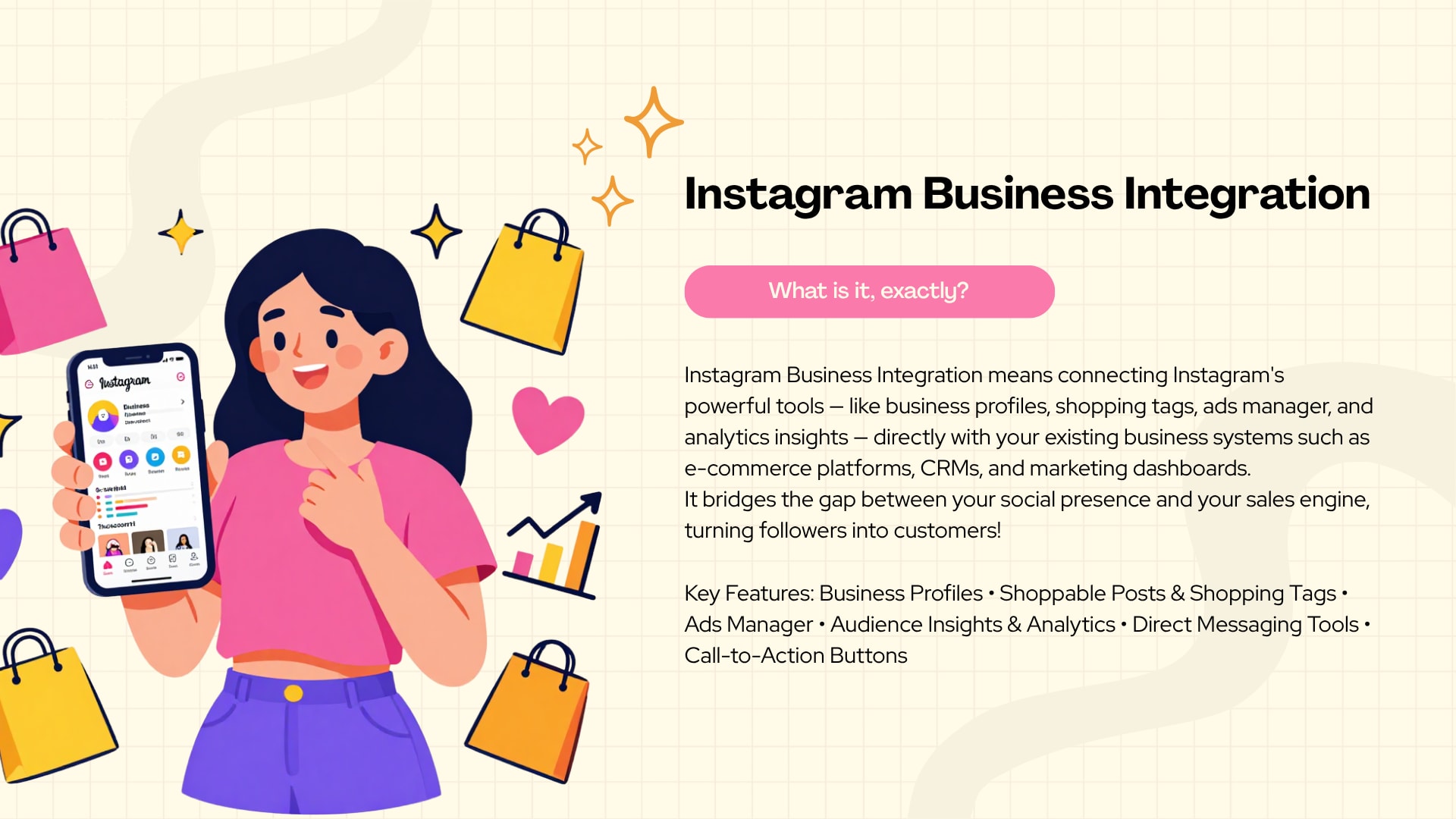
Instagram Business Integration is the process of connecting an Instagram professional account to external tools, such as a CRM, help desk, or automation platform, so that messages, comments, and leads can be managed, tracked, and responded to from one place instead of the native Instagram app. It works through Meta's official messaging and platform APIs, which allow approved apps to send and receive Instagram content on a business's behalf.
At its core, integration is a bridge. On one side sits Instagram, where customers are already scrolling, commenting, and messaging. On the other side sits the software a business already relies on, whether that's a shared team inbox, a scheduling system, or a sales pipeline. Integration lets information move between the two without someone manually copying details back and forth.
What Does Instagram Business Integration Actually Mean?
In practical terms, it means an Instagram Business or Creator account is linked, through Meta's developer platform, to a third-party tool or a custom-built system. Once connected, that tool can read incoming messages and comments, send replies, and organize conversations by customer, topic, or status. The business still owns the Instagram account and appears to be responding directly; the integration simply gives the team a more capable set of tools to do it with.
How Does Instagram Connect With Business Tools?
Meta provides official APIs, including the Instagram Messaging API, that approved apps use to interact with a business account's messages and comments. A business typically connects its Instagram Professional account to a Facebook Page, links that Page to a developer app or a third-party platform, and grants the specific permissions needed for messaging, comment management, or content publishing. From there, the connected tool can pull in conversations and push out responses in real time. Meta's own developer documentation lays out the exact permissions and setup steps required for this kind of connection.
How Are Instagram DMs Managed Automatically?
Once a DM automation tool is connected, incoming messages can trigger predefined actions. A new message might automatically get tagged by topic, routed to the right team member, or answered instantly with a relevant response if it matches a common question. More advanced setups use a decision tree or a chatbot layer, so the system can ask a follow-up question, collect details like an order number, and only bring in a human when the conversation needs judgment a bot can't provide.
How Are Comments, Messages, and Leads Handled Together?
A meaningful part of Instagram Business Integration is treating comments and DMs as part of the same conversation, not separate channels. A customer might comment "How much is this?" on a post and then send a DM asking about delivery times. Integrated systems can connect both interactions to the same customer profile, so the person answering has full context instead of two disconnected fragments. Leads generated from either channel can also flow directly into a CRM, where they're tracked through follow-up and, eventually, a sale.
What Can a Business Accomplish After Integration?
After setting up Instagram Business Integration, a business can typically respond to messages faster, keep a record of every customer interaction, automate answers to repetitive questions, qualify leads before a human ever gets involved, and free up staff time for conversations that actually need a personal touch. None of this eliminates the need for people. It changes what those people spend their time doing.
Why Do Businesses Need Instagram Integration for Customer Conversations?
Businesses need Instagram integration because customers now expect a fast reply on social media, and manual management can't keep pace once message volume grows. Recent industry research found that 73% of consumers expect a brand to respond within 24 hours or sooner.<sup>[2]</sup> Integration lets a business meet that expectation consistently, even as Instagram conversations increase in volume and complexity.
Instagram was never designed to be a full customer service platform on its own. The native inbox works fine for a handful of daily messages, but it starts to break down once a business is fielding dozens or hundreds of DMs a day across sales questions, support issues, and general comments. That's the gap Instagram integration is meant to close.
Why Does Response Speed Matter So Much on Instagram?
Speed is often the difference between a sale and a lost customer. Instagram users tend to message a brand the moment they're interested, not after doing extended research elsewhere, which means the response window is short. A prospect who asks "Do you have this in a medium?" and doesn't hear back for six hours has often already moved on to another account or another brand entirely.
How Does Instagram DM Automation Reduce Missed Inquiries?
Instagram DM automation makes sure no message sits untouched, even outside business hours. A basic auto reply can confirm that a message was received and set expectations for a full response. A more capable chatbot can actually answer the question on the spot. Either way, the customer isn't left wondering if anyone saw their message, which is often what causes them to give up and buy elsewhere.
How Does Instagram Customer Support Improve With Integration?
Instagram customer support becomes more organized once conversations are centralized. Instead of scrolling through a single inbox to find where a conversation left off, support staff can see a customer's full history, previous orders, and prior questions in one view. This cuts down on repeated questions and makes support feel more personal, not less, because the person answering already has the context.
How Does Integration Support Instagram Lead Generation?
Every comment, DM, and story reply is a potential lead. Instagram lead generation improves when integration automatically captures contact details, tags interested users, and routes them into a pipeline instead of letting that interest disappear the moment the conversation ends. A marketing agency running lead campaigns on Instagram, for example, can use integration to instantly qualify who's asking a casual question versus who's genuinely ready to book a call.
How Does It Help Businesses Manage Sales Conversations?
Sales conversations on Instagram tend to happen in stages: interest, questions, comparison, and decision. Integration helps track where each prospect is in that process, so a business doesn't send the same generic pitch to someone who's already asked three detailed questions and is close to buying. It also means a sales-ready conversation can be flagged and handed to a human quickly, rather than sitting in a general queue.
What Happens When Message Volume Gets Too High to Manage Manually?
Once a business crosses a certain threshold of daily messages, manual management stops being a matter of effort and becomes a matter of physical time. A restaurant fielding forty reservation questions during a weekend rush, or an online store getting flooded with comments after a viral post, simply can't answer everyone by hand in a reasonable window. This is usually the point where a business seriously considers automation, not because it wants to sound automated, but because the alternative is unanswered messages and frustrated customers.
How Can Instagram Business Integration Turn DMs Into Customers?
Instagram Business Integration turns DMs into customers by responding instantly, asking the right qualifying questions, and guiding the conversation toward a clear next step, whether that's a purchase, a booking, or a scheduled call. Instead of a DM disappearing into an unanswered inbox, it becomes the start of a structured path that moves a curious visitor closer to becoming a paying customer.
The shift from "message received" to "sale made" usually happens in a series of small steps, not one dramatic conversion. Integration is what makes each of those steps consistent.
How Do Automated Instagram Replies Start the Conversation?
An automated Instagram reply can immediately acknowledge a new message, answer a frequently asked question, or offer a menu of options, such as "Are you asking about sizing, shipping, or something else?" This keeps momentum in the conversation instead of leaving the customer waiting in silence. The goal isn't to replace a real answer, it's to keep the door open until a real answer, human or automated, is ready.
What Is the Role of an Instagram DM Chatbot in Qualifying Leads?
An Instagram DM chatbot can ask a short series of questions to understand what a person actually needs before a human gets involved. For a service business, that might mean asking about location, budget, or timeline. For a retail brand, it might mean asking about size, color, or intended use. This process, known as lead qualification, means the human team spends time on the conversations most likely to result in a sale, rather than answering the same beginner questions over and over.
Handling Product and Service Questions Automatically
Many of the questions businesses receive on Instagram are repetitive: pricing, availability, hours, or how something works. A well-built automation setup can answer these instantly using pre-approved responses, and only escalate to a human when the question is unusual or the customer seems ready to commit. A local service business, for instance, might automate answers about service areas and starting prices, while still routing detailed quote requests to a real person.
Why Do Follow-Up Conversations Matter More Than the First Reply?
Many customers don't buy on the first message. They ask a question, think about it, and sometimes never come back on their own. Integration allows a business to send a gentle follow-up, such as checking in a day later or offering additional information, without requiring someone to manually track every open conversation. This single habit often recovers sales that would otherwise be lost simply because no one followed up.
How Do Booking or Inquiry Flows Work Inside Instagram?
For service-based businesses, integration can turn a DM into a structured booking flow. A customer asking about an appointment might be guided through a short sequence: selecting a service, choosing an available time, and confirming details, all inside the DM conversation or through a linked booking link. A restaurant handling reservation questions through Instagram DMs can use a similar structure to confirm party size, date, and time without back-and-forth typing.
How Do Businesses Move a Prospect From Conversation to Conversion?
Conversion usually depends on removing friction. Once a prospect's questions are answered and their intent is clear, the automation or the support agent can offer a direct next step: a checkout link, a booking confirmation, or a clear price. The most effective integrations make that final step feel like a natural continuation of the conversation, not an abrupt sales pitch dropped into the middle of it.
How Does Instagram DM Automation Work for Small Businesses?
Instagram DM automation works for small businesses by handling repetitive questions instantly while routing anything complex to a real person, which lets a small team offer fast responses without needing a full-time support staff. Most small business owners don't have the bandwidth to answer every DM personally, and automation fills that specific gap rather than replacing the owner's involvement entirely.
A typical setup starts small: automated replies for business hours, shipping policies, and common pricing questions. As the business grows, more advanced flows can be added, such as basic lead qualification or appointment scheduling. The key for small businesses is starting with the highest-volume, lowest-complexity questions first, since that's where automation saves the most time with the least risk of a bad customer experience.
Can Instagram Comment Automation Help Generate Leads?
Instagram comment automation can help generate leads by automatically replying to comments with relevant information or a direct message invitation, which moves interested users from a public comment into a private, more sales-ready conversation. A comment like "Interested!" or "Price?" is a strong buying signal, and automation ensures that signal doesn't get lost among dozens of other comments.
For example, an online store might set up a rule so that any comment containing "price" or "cost" triggers an automatic DM with pricing details and a link to shop. This doesn't just save time, it captures interest at the exact moment it happens, when the person is still looking at the post and thinking about the product.
Comment automation should be used carefully. Public replies need to sound natural, and businesses should avoid automated responses that feel generic or repetitive to anyone browsing the comment section, since that can come across as impersonal rather than helpful.
How Can Businesses Use Instagram Auto Reply Without Sounding Robotic?
Businesses can use Instagram auto reply without sounding robotic by writing responses in a natural, conversational tone, avoiding overly formal language, and making it clear when a message is automated versus when a real person has joined the conversation. The wording matters as much as the timing.
A few practical habits help:
Write auto replies the way a helpful employee would actually talk, not like a legal disclaimer.
Avoid stacking multiple automated messages in a row without giving the customer a chance to respond.
Use the customer's name when the platform supports it, since generic greetings feel colder.
Be transparent when a bot is handling the conversation rather than pretending it's a person, especially for anything beyond a simple FAQ.
Always leave a clear path to a human for questions the automation can't handle well.
A restaurant automating reservation inquiries, for example, might reply with something like "Thanks for reaching out! What day and time were you thinking, and how many guests?" instead of a stiff, templated line that reads like a form.
What Is the Role of an Instagram Chatbot in Customer Support?
An Instagram chatbot supports customer service by answering common questions instantly, collecting information before a human agent steps in, and keeping conversations organized so nothing gets missed during busy periods. It acts as a first line of response, not a full replacement for a support team.
A chatbot works best on predictable questions: order status, return policies, business hours, or basic troubleshooting steps. When a conversation gets more nuanced, such as a customer who's frustrated about a delayed order or has an unusual request, the chatbot should recognize that complexity and hand the conversation to a person quickly. Businesses that get this balance right tend to see the chatbot as a filter that protects their team's time, not a wall that keeps customers from reaching a real human.
How Can Instagram Integration Improve Lead Generation?
Instagram integration improves lead generation by capturing interest the moment it happens, whether through a comment, a DM, or a story reply, and feeding that information directly into a system that tracks and nurtures the lead over time. Without integration, a lot of that interest simply evaporates because no one has time to manually log every interested comment or message.
A marketing agency qualifying leads through Instagram conversations might set up an automated flow that asks a few screening questions, then tags the lead as "hot," "warm," or "not ready yet" based on the answers. That tagging alone can save hours of manual sorting and helps the sales team prioritize who to call first.
Which Instagram Automation Features Should a Business Look For?
The most useful Instagram automation features for a business generally include instant reply capability, keyword-based comment automation, lead capture and CRM syncing, human handoff options, and basic analytics on response time and conversation outcomes. Not every business needs every feature, but these five cover most of the practical needs a growing account will run into.
Specific features worth prioritizing include:
Instant auto reply for messages received outside business hours or during high-volume periods.
Keyword triggers that recognize common questions in comments or DMs and respond appropriately.
CRM or spreadsheet integration so leads captured on Instagram don't stay trapped inside the app.
Human handoff controls that let a real person take over a conversation smoothly, without the customer having to repeat themselves.
Basic reporting on response times, message volume, and conversion, so the business can tell whether automation is actually helping.
How Can Instagram Integration Support Sales and Marketing?
Instagram integration supports sales and marketing by connecting conversations directly to campaigns, so a business can see which posts, ads, or promotions are actually generating real conversations and sales rather than just likes and views. This turns Instagram from a purely promotional channel into a measurable part of the sales process.
Marketing automation tied into Instagron integration can also personalize follow-ups based on what a customer previously asked about. Someone who commented on a specific product, for instance, could later receive a relevant DM about a related item or a restock notice, rather than a generic promotional blast sent to everyone.
What Mistakes Should Businesses Avoid When Automating Instagram?
The most common mistakes businesses make when automating Instagram include over-automating every interaction, using responses that sound obviously robotic, failing to give customers an easy way to reach a real person, and not keeping business information like hours or pricing up to date inside the automation tool. Each of these mistakes tends to damage trust rather than build it.
Common pitfalls include:
Over-automation. Trying to automate every single message, including ones that clearly need a human judgment call, frustrates customers and can make a brand feel indifferent.
Losing the human touch. Automated messages that never acknowledge complaints or sensitive issues properly can escalate a small problem into a public one.
Poor routing. A message about a damaged product getting routed the same way as a general pricing question wastes time and delays urgent issues.
Delayed escalation. If a chatbot doesn't recognize when a conversation needs a human, customers can get stuck in a loop of unhelpful automated replies.
Outdated information. Automated responses about pricing, hours, or promotions that haven't been updated can create confusion or even complaints.
Ignoring privacy and permissions. Businesses need to be transparent about how customer information from DMs is stored and used, particularly when integrating with outside tools.
A business using automated replies while keeping important conversations human, such as escalating anything involving a refund or a complaint straight to a manager, tends to avoid most of these problems.
How Should a Business Choose the Right Instagram Automation Tool?
A business should choose an Instagram automation tool by matching the tool's features to its actual message volume and use case, checking that it integrates properly with Meta's official APIs, and confirming it allows an easy handoff to human staff when needed. The right tool depends far more on a business's specific needs than on which platform has the most features overall.
Smaller businesses often do fine with a simple auto-reply and comment automation setup. Larger businesses handling high volumes of sales inquiries typically need a more complete system with CRM syncing, lead scoring, and detailed reporting. It's worth testing a tool with a trial period before committing, since the way it handles routing and escalation matters more in daily use than it does on a features list.
Manual Management vs. Basic Automation vs. Full Instagram Business Integration
ApproachResponse SpeedBest ForLimitationsManual Instagram managementSlow, depends on staff availabilityVery low message volume, early-stage accountsEasy to miss messages; doesn't scaleBasic Instagram automationFast for simple, common questionsBusinesses with repetitive FAQsLimited lead tracking; can feel generic without careful setupAdvanced Instagram Business IntegrationFast and consistent across DMs, comments, and leadsGrowing businesses managing sales, support, and marketing togetherRequires proper setup and ongoing monitoring to stay accurate
Is Instagram Business Integration Useful for Small Businesses?
Yes, Instagram Business Integration is useful for small businesses, particularly ones that get inconsistent but meaningful message volume, because it prevents missed sales opportunities without requiring a dedicated support team. Even a simple setup that handles FAQs and captures leads can noticeably improve response consistency.
That said, small businesses don't need the most advanced version of integration right away. Starting with basic auto replies and comment automation, then adding more sophisticated lead qualification as message volume grows, tends to be a more sustainable approach than adopting a complex system before it's actually needed.
How Can Businesses Measure the Results of Instagram Automation?
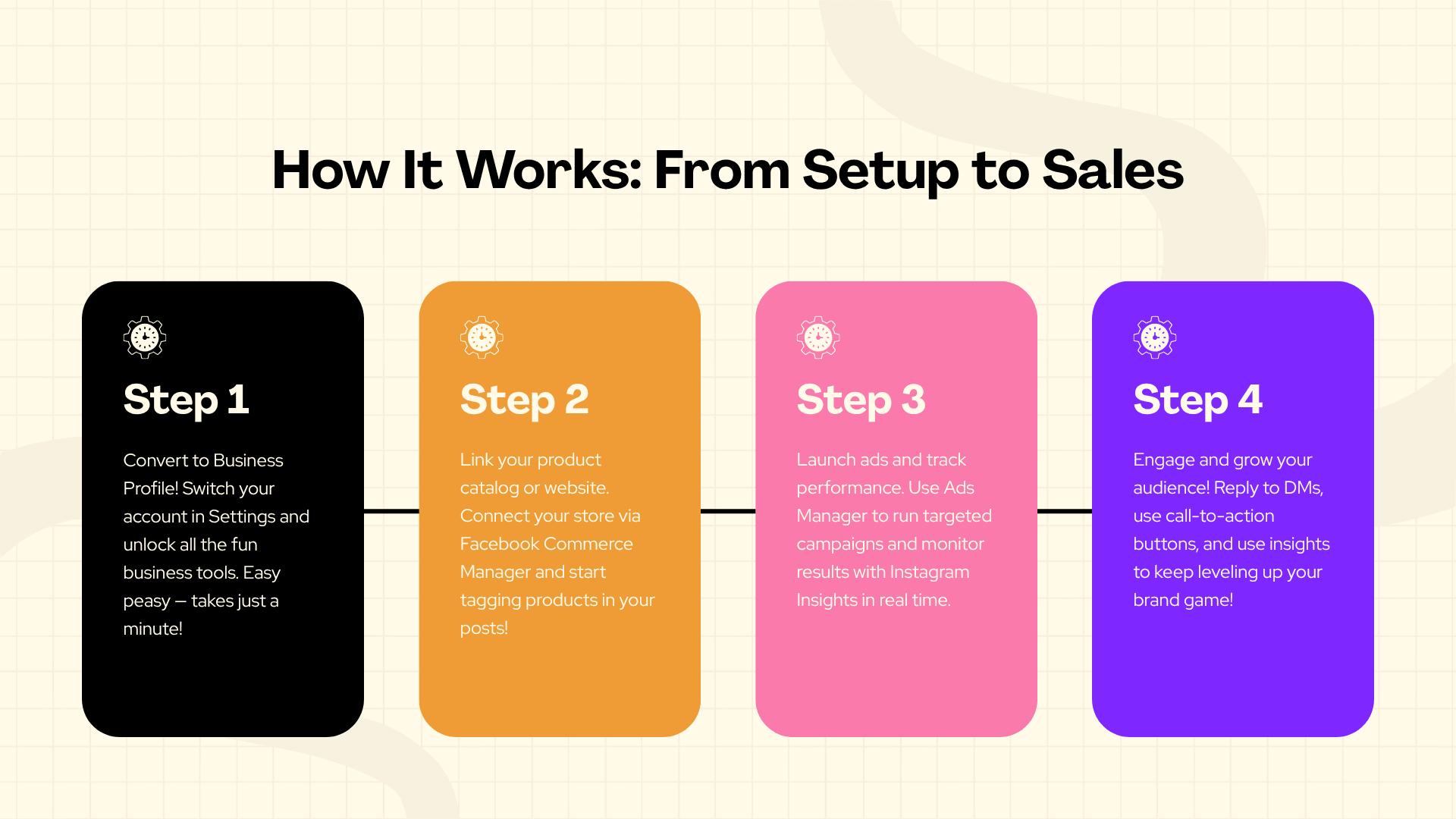
Businesses can measure the results of Instagram automation by tracking response time, resolution rate, lead conversion from Instagram conversations, and customer satisfaction with automated versus human-handled interactions. These metrics reveal whether automation is genuinely improving the customer experience or just creating faster, less helpful replies.
Useful metrics to track include:
First response time — how quickly a customer receives any reply, automated or human.
Resolution rate — the percentage of conversations that reach a clear outcome, such as an answered question or completed sale.
Lead-to-customer conversion — how many Instagram conversations eventually turn into paying customers.
Escalation rate — how often automated conversations need to be handed off to a human, which can reveal gaps in the automation's coverage.
Customer feedback — direct comments or survey responses about how helpful the automated experience felt.
What Should Businesses Know Before Setting Up Instagram Integration?
Before setting up Instagram integration, businesses should know that it requires a genuine Instagram Professional account linked to a Facebook Page, that Meta's permission and review process takes time, and that automation needs regular upkeep to stay accurate as products, pricing, or policies change. Skipping this preparation is one of the most common reasons integrations underperform after launch.
It also helps to map out the most common customer questions before building any automated flow. A business that already knows its top ten repeated questions can build a more useful automation setup on day one than one that tries to automate everything at once without a clear plan.
What Are the Most Common Questions About Instagram Business Integration?
Most businesses want to know how long setup takes, whether automation will make their brand feel impersonal, how much of the process requires technical knowledge, and whether it's possible to keep some conversations fully human. Setup time varies depending on the complexity of the tool chosen, but a basic connection can often be completed within a day, while more advanced CRM syncing may take longer. Automation only feels impersonal when it's poorly written or overused; when it's built thoughtfully, most customers don't mind receiving a fast, accurate automated reply, especially outside business hours. Many modern tools are designed for non-technical users, though a business with more complex needs may benefit from a developer's help. And yes, most integration tools allow specific conversations, like complaints or high-value sales, to be flagged for human-only handling.
Is Instagram Business Integration Worth It for a Growing Business?
For most growing businesses, Instagram Business Integration is worth the investment once message volume starts outpacing what a small team can manage manually. It won't fix a weak product or a confusing offer, and it isn't meant to replace real conversations with customers who need genuine human attention. What it does is make sure that interest, whether it comes through a comment, a DM, or a story reply, gets a fast and useful response instead of disappearing into an overloaded inbox.
The businesses that get the most out of it tend to start small, automate the questions they already answer over and over, and expand from there as they learn what their customers actually ask. The ones that struggle usually tried to automate everything at once without keeping a clear path to a human being. Instagram Business Integration works best as a support system for real conversations, not a replacement for them.
FAQ
What is Instagram Business Integration?
Instagram Business Integrationis the process of connecting an Instagram Professional account to external tools, such as a CRM or automation platform, so messages, comments, and leads can be managed from one place. It uses Meta's official messaging APIs to keep the connection compliant and secure.
How does Instagram DM automation work?
Instagram DM automation uses predefined rules or a chatbot to respond to incoming messages automatically, based on keywords, common questions, or a structured conversation flow. It can answer simple questions instantly and route more complex ones to a human team member.
Can Instagram automation generate leads?
Yes. Automation can capture interest from comments and DMs, ask qualifying questions, and send that information directly into a CRM or spreadsheet, which keeps leads from getting lost in an unmanaged inbox.
What is an Instagram chatbot?
An Instagram chatbot is a tool that automatically responds to DMs based on rules or conversational logic, often used to answer FAQs, qualify leads, or guide customers through a booking or purchase process before handing complex questions to a person.
Can businesses automatically reply to Instagram comments?
Yes. Instagram comment automation can trigger an automatic reply or a follow-up DM when a comment contains certain keywords, such as "price" or "available," helping businesses respond to public interest quickly.
Is Instagram Business Integration suitable for small businesses?
It can be, especially for small businesses receiving more messages than they can answer personally. Starting with basic auto replies and expanding gradually tends to work better than adopting a complex system too early.
Does Instagram automation replace human customer support?
No. It's designed to handle repetitive, predictable questions so human staff can focus on conversations that need judgment, empathy, or problem-solving that automation can't provide.
How should a business choose an Instagram automation tool?
By matching the tool's features to actual message volume and needs, confirming it integrates properly with Meta's official APIs, and making sure it allows an easy handoff to a real person when a conversation requires one.