
Let’s be honest: customers today expect instant answers. They want help at 2 AM. They want personalized responses. And if your website can’t deliver that? They’re gone in seconds.
That’s where AI chatbots come in. And the best part? You can set one up for free, without writing a single line of code.
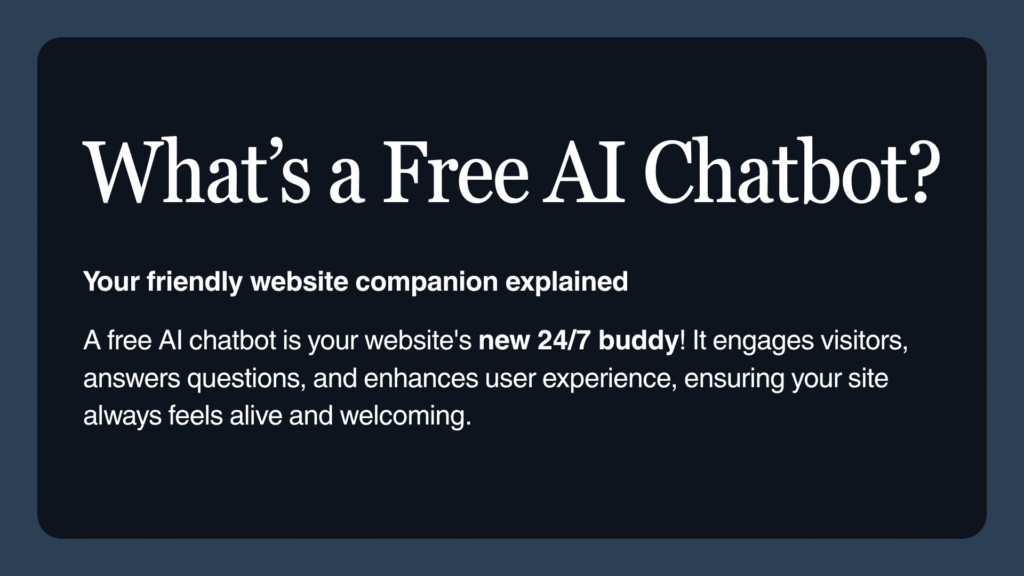
In this guide, I’ll walk you through exactly how to build a free AI chatbot for your website using YourSiteChat.com — one of the easiest and most powerful chatbot builders in 2025. Whether you’re running a small business, an online store, or just want to automate customer support, this step-by-step walkthrough will show you how to get it done fast.
Why Your Website Needs an AI Chatbot in 2025
The way people interact with websites has completely shifted. how to build a free AI chatbot They don’t want to wait for email replies or dig through FAQ pages. They want answers now — and they want them to feel personal.
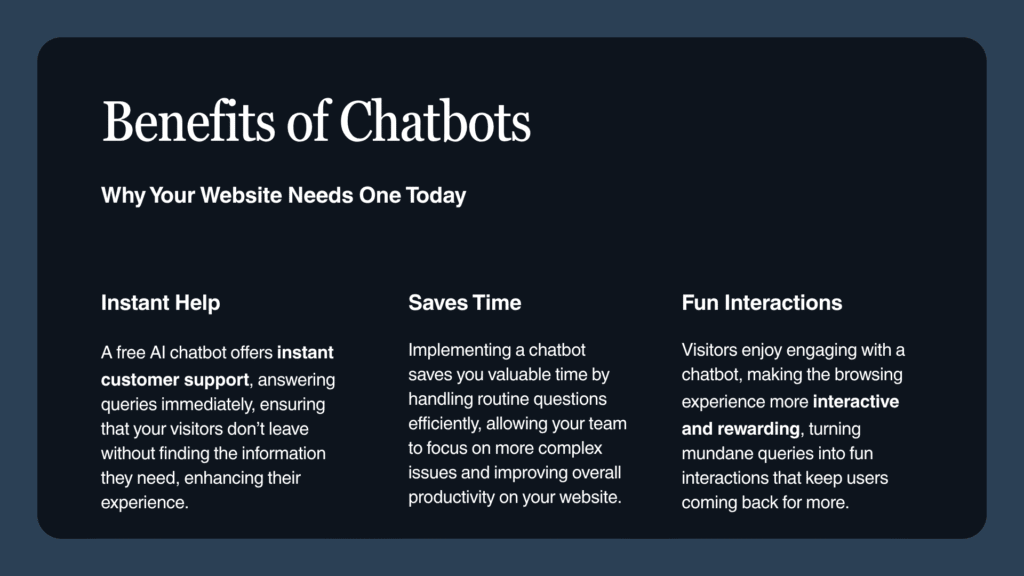
When you add an AI chatbot to your website, you’re not just installing a fancy widget. You’re creating a 24/7 assistant that works tirelessly for your business.
Here’s what a good chatbot can do for you:
- Answer questions instantly, even when you’re asleep or busy
- Keep visitors engaged longer, reducing bounce rates
- Boost conversions by guiding people through purchases or sign-ups
- Save time by handling repetitive questions
- Automate workflows so you can focus on growth
If you haven’t added a chatbot yet, now’s the time. Let me show you how.
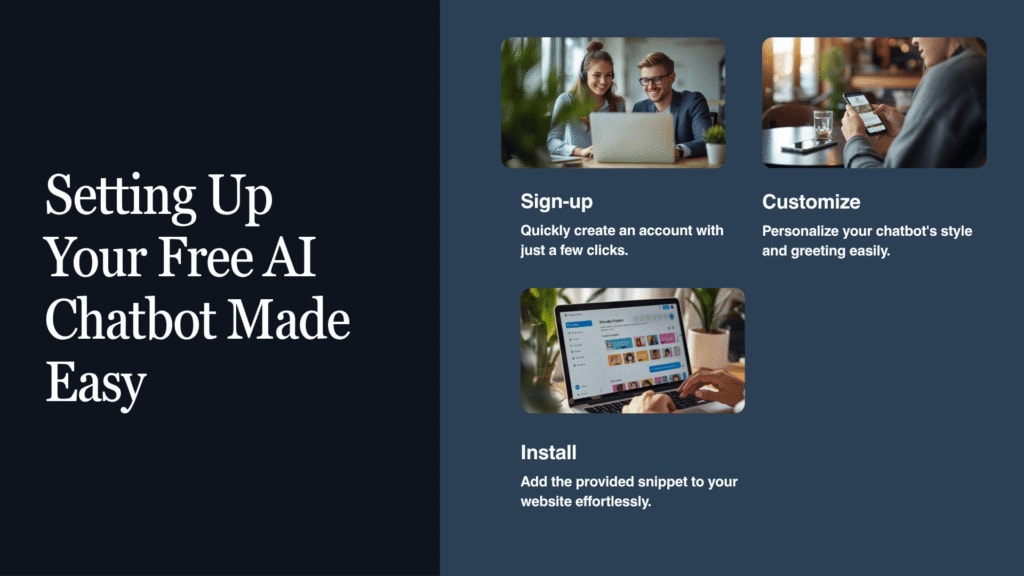
Step 1: Head Over to YourSiteChat.com
The easiest way to get started is with YourSiteChat.com. It’s built for people who want results without technical headaches. No coding. No complicated setup. Just a clean, intuitive platform that gets your AI chatbot live in minutes.
Why I recommend YourSiteChat:
- Completely free plan to get started
- No coding required — anyone can do this
- Works with WordPress, Shopify, Wix, Squarespace, and more
- Powered by smart AI that understands context
Just visit YourSiteChat.com and click Create Free Chatbot. That’s it.
Step 2: Sign Up and Build Your Chatbot
Once inside the dashboard, setup is incredibly simple. You can literally have your chatbot running in under five minutes.
Here’s what you’ll do:
- Name your chatbot — “Support Assistant” or “ShopBot”
- Choose a tone — friendly, professional, casual
- Feed it content — FAQs, product details, or website pages
Your chatbot is now trained and ready to chat with your visitors.
Step 3: Make It Look Like Your Brand
A chatbot that doesn’t match your design? Not ideal. Luckily, YourSiteChat customization is simple.
You can tweak:
- Widget colors, fonts, and placement
- Brand logo and welcome message
- Chat bubble size and animations
The goal is to make the AI chatbot blend seamlessly with your brand.
Step 4: Train Your Chatbot to Be Actually Helpful
The secret to a great chatbot: it must understand your business. The more info you give it, the smarter it becomes.
You can upload:
- Website links
- PDF guides
- FAQs
- Product specs or pricing info
YourSiteChat AI learns from all that data to give accurate, context-aware responses.
Step 5: Install It on Your Site (No Developer Needed)
Expecting a complicated process? Nope — it’s ridiculously easy. how to build a free AI chatbot
Here’s all you do:
- Copy the install code from your YourSiteChat dashboard
- Paste it into your website’s header or footer
- Refresh — your AI chatbot is live
Works perfectly with:
- WordPress — via footer or plugin
- Shopify/Wix — via HTML embed
- Custom sites — before closing
</body>tag
No developer. No hassle. Just copy, paste, done.
Step 6: Test, Tweak, and Watch It Work
Once your chatbot is live, test it. Ask it questions. See how it performs.
Optimize it by:
- Refining FAQs and answers
- Personalizing greeting messages
- Checking analytics to see popular queries
- Setting up triggers to collect leads or guide users
Your AI chatbot will keep learning, adapting, and improving over time.
What You Gain When You Add an AI Chatbot to Your Website
Building a chatbot isn’t just trendy — it’s smart business. how to build a free AI chatbot
Here’s what you’ll gain:
- Instant responses that reduce bounce
- Automatic lead capture
- Easy integration with existing tools
- Lower support costs
- Future-proof technology
With YourSiteChat, you’re adding a smart, scalable chatbot system that grows with your business.
Going Beyond the Basics: Advanced Features to Explore
When you’re ready to scale, YourSiteChat has advanced features:
- CRM integration for lead management
- Email automation for follow-ups
- Multilingual chatbot support
- Analytics dashboards for insights
These upgrades turn your chatbot into a full-blown business automation engine.
Why YourSiteChat is the Best Choice for Building a Free AI Chatbot in 2025
Plenty of chatbot builders exist, but YourSiteChat stands out for its balance of power and simplicity.
Why it’s the best choice:
- Free to start, no hidden fees
- Lightning-fast setup — live in under five minutes
- Smart AI that holds real conversations
- Compatible with any website platform
- Scalable as your business grows
If you want a chatbot that works reliably, looks great, and genuinely helps — go with YourSiteChat.
Ready to Get Started?
You now know exactly how to build a free AI chatbot for your website — no coding, no stress.
Quick recap:
- Visit YourSiteChat.com
- Sign up and start building
- Customize the look and feel
- Train it with your content
- Install it on your site
- Optimize and watch it grow
That’s all it takes to give your visitors instant, intelligent support in 2025.
Top 10 Questions About Building a Free AI Chatbot in 2025 (With Detailed Answers)
1. What is an AI Chatbot and How Does It Work?
Think of an AI chatbot as your website’s always-on assistant. It’s software that can actually hold real conversations with your visitors, thanks to natural language processing and machine learning. We’re not talking about those clunky “press 1 for sales” bots from years ago.
Modern chatbots understand what people are really asking, pick up on context, and respond in ways that feel genuinely helpful. Platforms like YourSiteChat.com have basically democratized this whole thing—anyone can set one up now, even if you’ve never written a line of code in your life. These bots dig through your content, pull relevant information, and answer questions instantly. You get a virtual assistant that makes your customers happy while you focus on running your business.
2. Why Should I Add a Free AI Chatbot to My Website in 2025?
Here’s the thing: people’s patience has basically evaporated. Nobody wants to wait hours for an email response or hunt through your FAQ page anymore. They want answers now.
That’s where a chatbot comes in. With something like YourSiteChat, you can:
- Keep your site responsive 24/7, even when you’re asleep or on vacation
- Automatically capture leads by chatting with visitors and collecting their info
- Walk people through choosing products or signing up for services
- Handle the same questions over and over so your team doesn’t have to
- Jump into conversations right when someone’s about to leave, potentially saving the sale
It’s honestly one of those rare tools that makes both you and your customers happier. Better service, more trust, higher conversions—and you can start completely free.
3. How Can I Create a Free AI Chatbot Without Coding Skills?
Remember when you needed to be a developer to build stuff like this? Yeah, those days are gone. In 2025, putting together an AI chatbot is genuinely easier than setting up a social media profile.
Here’s literally all you do with YourSiteChat.com:
- Sign up (takes like 30 seconds)
- Name your bot and pick its personality—friendly? Professional? Your call.
- Upload the stuff you want it to know about: FAQs, product pages, whatever PDFs you’ve got lying around
- Tweak how it looks—colors, position, the whole design
- Copy a snippet of code and drop it into your website
And boom. You’re done. Your chatbot’s live and ready to start helping visitors like it’s been there all along.
4. Can I Use an AI Chatbot on Any Type of Website?
Short answer: yes. YourSiteChat.com plays nice with pretty much everything—WordPress, Shopify, Wix, Squarespace, Webflow, custom HTML sites, you name it.
The setup is the same across the board. You just grab a little JavaScript snippet from your dashboard and paste it into your site’s header or footer. That’s it. No developer needed, no compatibility headaches.
Most people have it running in under five minutes. Seriously.
5. How Do I Train My Chatbot to Give Accurate Answers?
Your chatbot’s only as smart as what you teach it. If you feed it garbage, well… you know how that goes.
The good news? Training is straightforward. Just upload anything that contains useful information about your business to YourSiteChat:
- Your frequently asked questions
- Descriptions of what you sell or offer
- Pricing details
- How-to guides or manuals
- Links to important pages on your site
The AI processes all of that, figures out the context, and starts answering questions in a natural way. As time goes on, you’ll see what people are actually asking about in your analytics. Use that feedback to refine your content and make the bot even sharper.
6. Are Free AI Chatbots Actually Reliable for Business Use?
You’d be surprised. Free AI chatbots have come a long way—we’re talking serious functionality here, not some gimmicky toy. YourSiteChat.com’s free tier gives small businesses pretty much everything they need: instant responses, customization options, genuinely smart answers.
Sure, if your site starts getting massive traffic or you want bells and whistles like CRM connections or multiple languages, you might eventually upgrade to a paid plan. How to Build a Free AI Chatbot But for most freelancers, startups, or small online shops? The free version handles hundreds of daily conversations without breaking a sweat.
7. What Are the Best Use Cases for an AI Chatbot in 2025?
Chatbots work in almost any industry. Here’s where they really shine:
E-commerce: Answer product questions, suggest items based on what people are looking for, help track orders. How to Build a Free AI Chatbot.
Service businesses: Book appointments, give price estimates, field general questions.
Education: Share course information, important dates, provide student support.
Healthcare: Answer basic health questions or help patients schedule consultations.
Real estate: Show property listings and connect potential buyers with agents.
Basically, if your business involves people asking questions (and whose doesn’t?), a chatbot can jump in and provide instant, personalized help that actually improves the experience.
8. How Do AI Chatbots Improve Lead Generation and Conversions?
Let’s be real—contact forms are where leads go to die. But chatbots? They grab attention immediately. How to Build a Free AI Chatbot
When someone lands on your page, your chatbot can:
- Say hello right away, making an instant connection
- Ask smart qualifying questions (What’s your budget? What are you looking for? When do you need it?)
- Instantly share helpful resources like free trials or demo booking links
- Collect contact info smoothly, without it feeling like a form
By keeping visitors engaged and removing friction from the process, your chatbot essentially becomes a sales rep who never takes a break. How to Build a Free AI Chatbot Marketing studies from the past couple years suggest this approach can boost conversions by anywhere from 30% to 40%.
9. What Are Common Mistakes to Avoid When Building an AI Chatbot?
Even the slickest AI can flop if you set it up wrong. Watch out for these rookie mistakes: How to Build a Free AI Chatbot
- Skimping on training data – If you don’t feed it enough information, your bot will just shrug at questions
- Sounding like a robot – People can smell artificial language a mile away. Keep it natural
- Forgetting about mobile – More than 60% of chat interactions happen on phones. Make sure it looks good there
- No clear next steps – Always include calls to action like “Book a Call” or “View Pricing”
- Ignoring the data – Check your chat logs regularly. They’ll tell you exactly what needs improvement
Avoid these pitfalls, and your chatbot will come across as professional, trustworthy, and actually useful.
10. How Do I Know If My AI Chatbot Is Working Effectively?
Having a chatbot isn’t enough—you need to know if it’s actually doing its job. How to Build a Free AI Chatbot Luckily, YourSiteChat gives you a dashboard that tracks all the important stuff. How to Build a Free AI Chatbot.
Keep an eye on:
Engagement rate: How many visitors are actually talking to your bot
Response accuracy: Is it giving correct, helpful information?
Lead capture rate: How many new contacts is it bringing in?
Average response time: It should be instant (that’s kind of the whole point)
User satisfaction: Read through chat transcripts and look for patterns in how people react . How to Build a Free AI Chatbot
With regular check-ins and small adjustments here and there, How to Build a Free AI Chatbot your chatbot will keep getting better on its own—delivering smarter, more efficient help every single month.
Frequently Asked Questions
Test Question 1
Answer 1
Test Question 2
Answer 2