Chatbots are software systems are changing the way people work by taking over routine conversations, making information easier to access, supporting customers, and helping employees complete everyday tasks faster. Instead of replacing every human responsibility, workplace chatbots are increasingly being used as AI-powered assistants that handle repetitive work while employees focus on judgment, creativity, relationships, and more complex problems.
The change is already visible across customer service, HR, marketing, sales, IT support, internal communication, and knowledge management. A customer may receive an immediate answer to a common question, while an employee may ask an internal chatbot where to find a company policy instead of searching through dozens of documents.
This shift creates a different kind of workplace. Employees do not simply use software to complete tasks; they can increasingly communicate with software using natural language.
What Are Chatbots and How Do They Work?
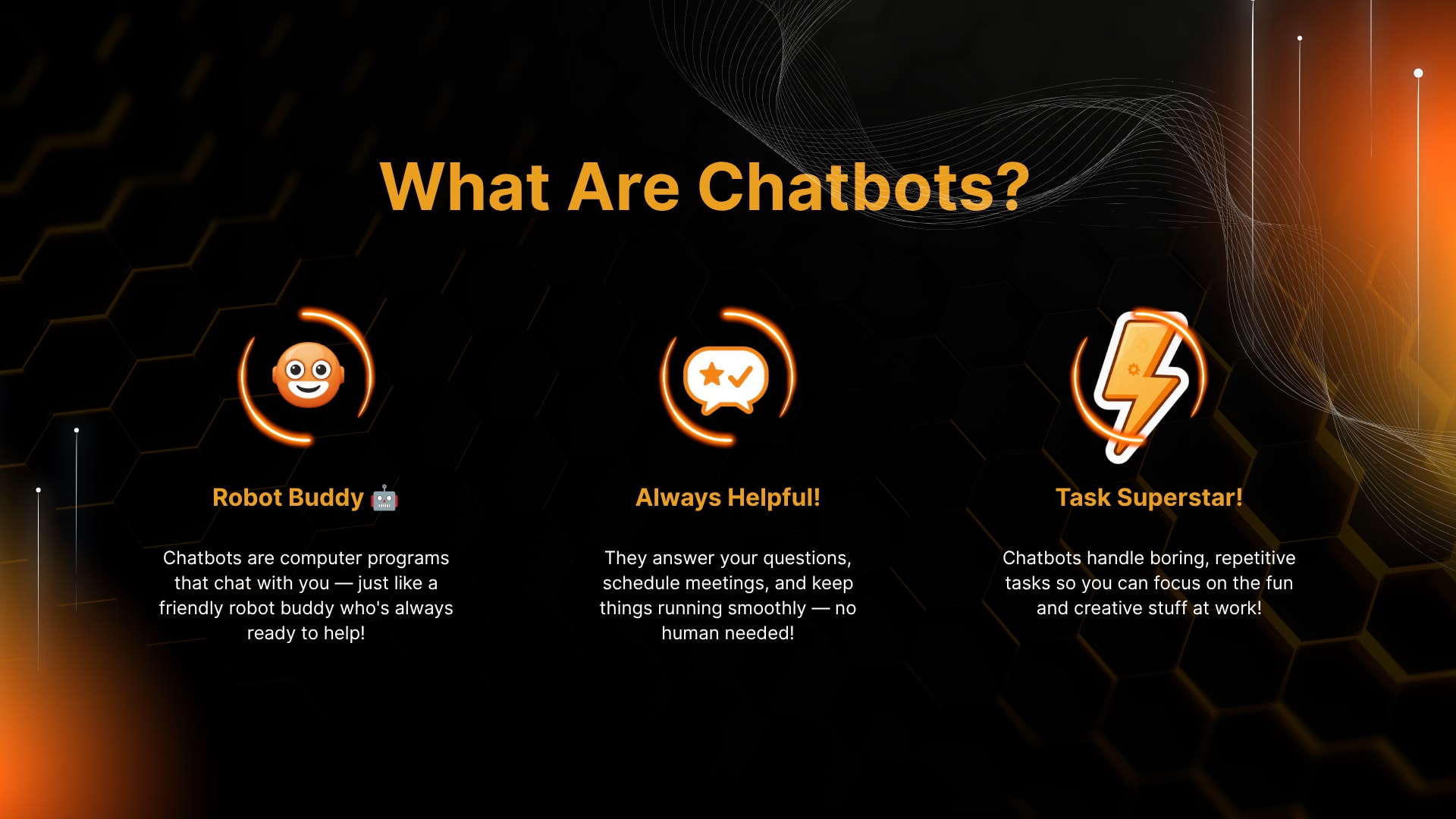
Chatbots are software systems designed to communicate with people through text or voice. Traditional chatbots generally follow predefined rules, while modern AI chatbots can understand natural-language questions, interpret context, retrieve information, and generate responses based on the technology and data available to them.
At work, chatbots can act as digital assistants between employees, customers, and business systems. Their role can range from answering frequently asked questions to helping users navigate internal processes.
A workplace chatbot may perform tasks such as:
Answering employee questions
Handling customer inquiries
Finding information in internal knowledge bases
Scheduling appointments
Collecting basic customer information
Supporting IT troubleshooting
Drafting routine communications
Guiding employees through HR processes
Summarizing information
Routing complicated requests to the right person
Modern conversational AI has made these interactions more flexible. Instead of selecting from a rigid menu, a user can type a question in ordinary language.
For example, an employee might ask, “How many annual leave days are available after one year?” An appropriately configured internal chatbot could locate the relevant policy and provide an answer without requiring the employee to search through an employee handbook.
The quality of that answer, however, depends on the chatbot's design, connected information sources, permissions, and controls. A chatbot should not automatically be treated as an authoritative source simply because its response sounds confident.
How Are Chatbots Changing the Way People Work?
Chatbots are changing work mainly by reducing friction between employees and information, customers and businesses, and workers and routine processes. They can make certain tasks faster, provide support outside normal working hours, and reduce the amount of repetitive communication handled manually.
The biggest change is not necessarily that employees have fewer tasks. Instead, the nature of some tasks is changing.
Consider a customer-service employee who previously spent much of the day answering questions such as:
“What are your business hours?”
“Where is my order?”
“How can a product be returned?”
“How can an appointment be rescheduled?”
“What payment methods are accepted?”
A customer service chatbot can potentially handle many straightforward questions before a human employee becomes involved. The employee can then spend more time resolving unusual complaints, handling sensitive situations, and helping customers who need personal assistance.
The same principle applies internally.
An employee who once spent 15 minutes searching for a document may be able to ask an AI assistant where the relevant information is located. A manager may use a chatbot to organize routine information. An IT team may use one to guide employees through basic troubleshooting.
This creates a workplace where human workers and AI-powered tools operate together.
How Do Chatbots Improve Employee Productivity?
Chatbots can improve employee productivity by reducing time spent on repetitive information searches, routine questions, basic administrative interactions, and simple communication tasks. Their greatest productivity benefit often comes from removing small delays that occur repeatedly throughout a workday.
A five-minute task may not appear significant.
Repeated dozens of times across a department, however, those small tasks can become a substantial workload.
Workplace chatbots can help employees by providing:
Faster access to frequently needed information
Automated answers to routine questions
Assistance with repetitive processes
First-level IT support
Drafting assistance for routine communication
Customer inquiry handling
Internal knowledge retrieval
Basic scheduling and appointment support
For example, an employee who needs a company policy does not necessarily need to remember the exact location of the document. A properly configured chatbot can help identify the relevant information and point the employee toward the appropriate source.
The important distinction is that productivity should not be measured only by how quickly a chatbot produces an answer. Accuracy matters just as much.
A fast incorrect answer can create more work than no answer at all.
How Are Businesses Using Chatbots to Automate Repetitive Tasks?
Businesses are using chatbot automation for tasks that are frequent, predictable, and relatively easy to standardize. These include answering common questions, collecting information, qualifying inquiries, scheduling appointments, guiding users through simple processes, and routing requests.
Common examples include:
Customer inquiry handling
A chatbot can answer frequently asked questions before transferring complex cases to a human representative.Lead qualification
A business chatbot can ask prospects about their requirements, budget, location, or preferred service and pass relevant information to a sales team.Appointment scheduling
Customers can interact with a chatbot to identify available appointment options.Internal employee support
Employees can ask questions about policies, procedures, benefits, or internal resources.IT assistance
A chatbot can provide basic troubleshooting instructions for common technical problems.Order and delivery questions
Customers can receive information about order status or standard delivery processes.Routine communication
AI assistants can help prepare drafts, summaries, or standard responses for human review.
The strongest use cases tend to be those where the business already understands the process clearly.
Automation cannot reliably fix a confusing process simply by placing a chatbot on top of it.
How Do Chatbots Help Customer-Service Teams?
Customer service chatbots help teams by handling common requests, providing immediate first-level assistance, collecting information before human interaction, and routing more complicated issues to appropriate employees.
For customers, speed can be valuable.
Someone who wants to know a company's return policy may not want to wait for a representative. A chatbot can potentially answer the question immediately if the relevant information is available and current.
For customer-service teams, the benefit is different. Employees can spend less time repeating the same basic information and more time handling cases that require empathy, negotiation, investigation, or judgment.
A useful customer-service workflow may look like this:
Customer question → Chatbot identifies request → Simple request resolved → Complex request escalated → Human employee handles case
This model keeps automation and human service connected rather than treating them as competing systems.
A chatbot should also make escalation easy. Customers should not be forced to repeat the same information several times after requesting human assistance.
That is one of the areas where poor chatbot design becomes especially frustrating.
When Should a Customer-Service Chatbot Transfer a Conversation to a Human?
A chatbot should transfer a conversation when the issue is complex, sensitive, uncertain, outside its authorized knowledge, or requires human judgment. The exact escalation rules depend on the business, industry, customer expectations, and potential consequences of an incorrect answer.
Human escalation is particularly important when conversations involve:
Complaints requiring investigation
Sensitive personal circumstances
Financial or legal decisions
Medical concerns
Security incidents
Refund disputes
Angry or distressed customers
Requests outside the chatbot's knowledge
Ambiguous or contradictory information
A good chatbot experience does not try to prevent human contact.
It makes human contact easier when human expertise is needed.
How Can Chatbots Support Employees?
Employee support is one of the most practical applications of workplace chatbots because organizations often contain large amounts of information that employees need but do not always know how to find.
HR policies, onboarding documents, IT procedures, expense rules, benefits information, training materials, and internal guidelines can become difficult to navigate as organizations grow.
An internal chatbot can provide a conversational layer over approved information sources.
Instead of searching through folders, employees can ask questions such as:
“How does the expense reimbursement process work?”
“Where can the new employee onboarding form be found?”
“What is the procedure for requesting equipment?”
“Who handles this type of IT issue?”
“What documents are required for this process?”
This can be particularly useful for new employees.
During onboarding, workers often have dozens of small questions. A chatbot can provide a first point of assistance while HR or managers remain available for questions requiring personal attention.
However, internal AI assistants should be connected to reliable and current information. If an employee chatbot uses outdated policies, the convenience of automation can quickly become a source of confusion.
How Are Chatbots Changing Internal Knowledge Management?
Chatbots are changing knowledge management by allowing employees to interact with company information through questions rather than traditional search interfaces.
Traditional knowledge management often depends on folders, databases, intranets, documents, and search systems. These remain useful, but employees may struggle to identify the correct document or phrase their search using the exact terminology used inside the organization.
A conversational interface can reduce that barrier.
For example, an employee could ask, “What is the process for approving a new vendor?” rather than searching for “vendor onboarding procedure.”
The chatbot can potentially identify relevant information and summarize the process.
That does not mean the original documents become unnecessary. In many cases, employees should still have access to the underlying source material, particularly when the information involves policies, compliance, contracts, or important decisions.
The chatbot becomes a navigation and assistance layer rather than the only source of truth.
Can Chatbots Improve Communication in the Workplace?
Chatbots can improve workplace communication by helping employees locate information, summarize routine material, draft basic messages, and reduce repetitive questions between teams.
Communication problems often occur because information is scattered across email, messaging platforms, documents, project tools, and internal systems.
An AI assistant can potentially help connect these information sources when appropriate integrations and permissions exist.
For example, an employee could ask for a summary of a long internal document before reviewing the full material. A manager could use an AI assistant to turn rough notes into a structured internal update. A support team could use a chatbot to provide standard answers to recurring questions.
The benefit is not that communication becomes completely automated.
Instead, routine information exchange can become less time-consuming.
Human communication remains essential when context, trust, negotiation, leadership, empathy, or accountability is involved.
How Do Chatbots Support Remote and Hybrid Work?
Chatbots can support remote and hybrid employees by providing access to information without requiring someone to be physically available in an office.
A remote employee may work across different time zones or outside normal office hours. Waiting for another team member to answer a simple question can interrupt progress.
A workplace chatbot can provide first-level assistance whenever the system is available.
Useful applications include:
Internal policy questions
IT troubleshooting
Employee onboarding
Knowledge retrieval
Scheduling assistance
Project information
Customer support
Routine administrative guidance
This can be particularly useful for distributed organizations where employees cannot simply walk over to another department.
Still, a chatbot cannot replace workplace relationships. Remote teams also need clear communication, collaboration, leadership, and human interaction.
Automation can reduce friction, but it cannot create trust by itself.
How Are Chatbots Being Used in HR?
HR teams can use chatbots for routine employee questions, onboarding assistance, benefits information, policy navigation, interview scheduling, and basic administrative processes.
For example, an HR chatbot may guide a new employee through a checklist of onboarding tasks. It could explain where forms are located, identify required documents, and provide standard answers to common questions.
Chatbots can also support recruitment workflows by handling basic candidate questions or scheduling interactions.
However, HR is an area where human oversight is particularly important.
Employment decisions can affect people's careers and livelihoods. Automated systems should therefore not be treated as unquestionable decision-makers.
Human professionals remain important for:
Sensitive employee discussions
Conflict resolution
Performance conversations
Complex workplace situations
Employment decisions
Interpreting unusual circumstances
Building employee trust
The role of chatbot technology in HR is strongest when it reduces administrative workload without removing human responsibility.
How Can Chatbots Help Marketing and Sales Teams?
Marketing and sales teams can use chatbots to engage website visitors, answer product questions, collect lead information, qualify prospects, schedule meetings, and provide basic support throughout the buyer journey.
A website visitor may have a simple question before deciding whether to contact a business. A chatbot can respond immediately rather than requiring the visitor to search through multiple pages.
For sales teams, chatbot automation can help gather initial information.
For example, a business chatbot could ask:
What service is the visitor interested in?
What type of business do they operate?
What problem are they trying to solve?
When are they looking to begin?
How should the sales team follow up?
The resulting information can help a salesperson understand the conversation before making contact.
Platforms such as YourSiteChat can be considered in the broader context of chatbot-based business communication and customer engagement.
The key is to avoid turning every website interaction into an aggressive sales process. Visitors should be able to get useful information without feeling pressured.
How Are Chatbots Being Used in IT Support?
IT support is another strong chatbot use case because many technical problems are repetitive and follow known troubleshooting procedures.
An employee might ask:
“How can the password be reset?”
“How can a printer be connected?”
“What should be done if the VPN does not work?”
“Where can approved software be downloaded?”
“How can a particular application be accessed?”
A chatbot can provide step-by-step instructions for common problems.
If the issue cannot be resolved, the chatbot can collect relevant information before creating or escalating a support request.
This can make the human IT team's work more focused.
Instead of starting every conversation with basic information gathering, the support employee may receive a summary of the issue, the steps already attempted, and the user's relevant details.
The quality of this workflow depends heavily on integration, security, and accurate documentation.
What Are the Main Benefits of Workplace Chatbots?
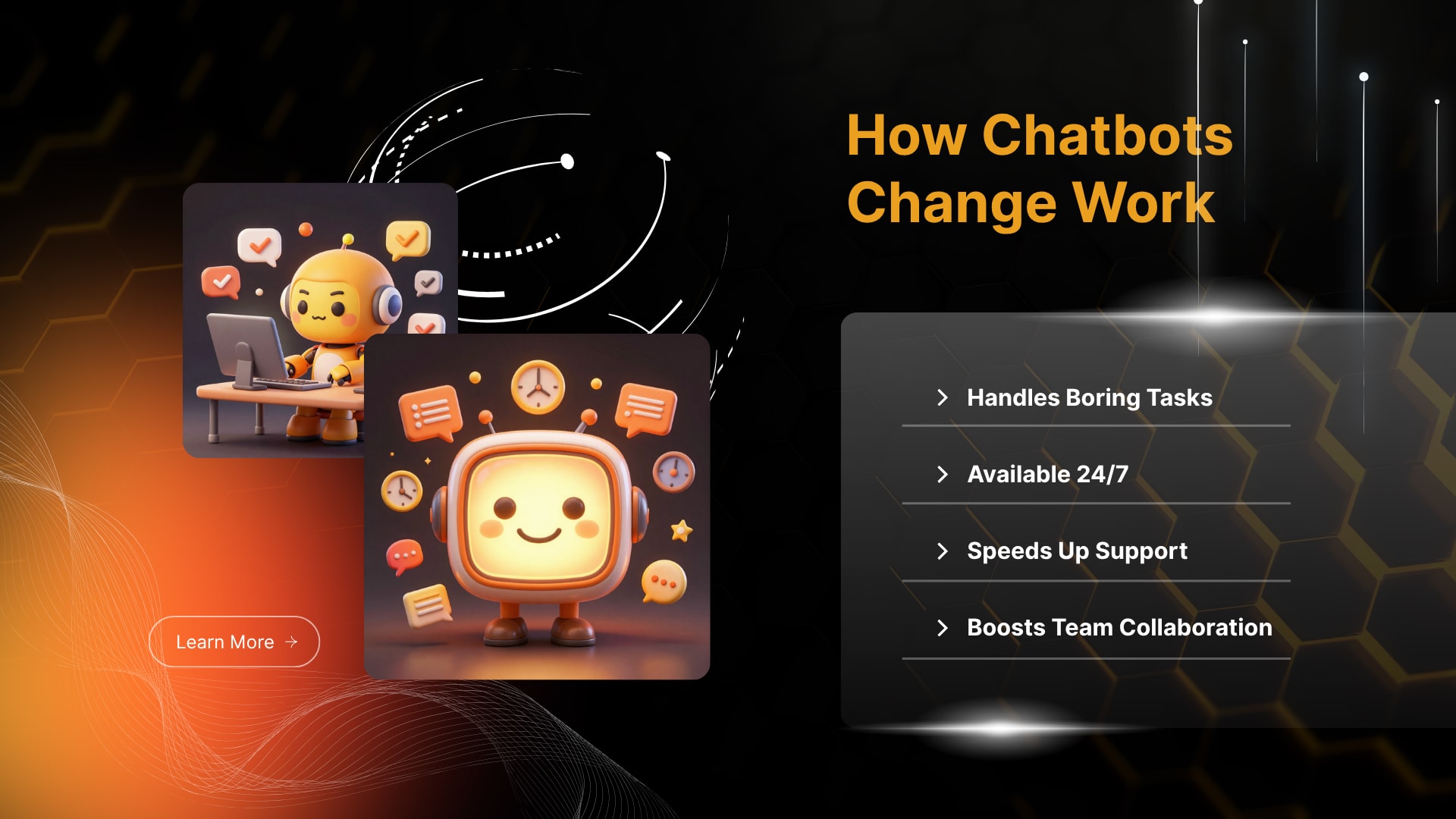
The main benefits of workplace chatbots include faster information access, automation of repetitive tasks, improved customer response times, employee assistance, and more consistent handling of routine interactions.
Important benefits include:
Faster responses: Simple questions can receive immediate answers.
Reduced repetitive work: Employees can spend less time answering the same questions.
Improved accessibility: Information can be available through a conversational interface.
Scalable support: A chatbot can handle many routine conversations without requiring one employee for every interaction.
Consistent information: Standardized responses can reduce variation in basic communication.
Employee assistance: Workers can receive first-level support without always waiting for another team member.
Better workflow routing: Requests can be directed to the appropriate department.
Extended availability: Automated systems can provide support outside traditional working hours.
These benefits are strongest when the chatbot is designed around a real business problem.
Installing a chatbot simply because competitors have one does not guarantee value.
Traditional Work Approach vs Chatbot-Assisted Work
Traditional Work ApproachChatbot-Assisted WorkManual repetitive tasksAutomated routine tasksEmployees search for informationEmployees can ask a chatbotSlower first-level supportFaster automated responsesManual customer queriesAutomated customer assistanceEmployees handle many basic questionsRoutine questions can be filtered before human escalationInformation may require multiple searchesConversational access can simplify information retrieval
The difference is not necessarily between human work and machine work. In many cases, it is between manual workflows and workflows where software handles the first layer.
That distinction matters when businesses evaluate the real value of chatbot automation.
What Are the Limitations of Workplace Chatbots?
Workplace chatbots have limitations because they can produce inaccurate information, misunderstand context, depend on the quality of available data, and create privacy or security risks when poorly designed.
A chatbot can sound confident even when its answer is incomplete or wrong.
This creates a particularly important challenge in business environments.
An incorrect answer about a casual product question may be inconvenient. An incorrect answer involving a financial process, employee policy, security procedure, or regulated activity can be much more serious.
Common limitations include:
Incorrect or incomplete answers
Outdated information
Poor understanding of unusual questions
Limited contextual awareness
Privacy concerns
Security vulnerabilities
Integration difficulties
Employee resistance
Customer frustration
Dependence on good-quality source information
Difficulty handling emotionally sensitive situations
The National Institute of Standards and Technology emphasizes that trustworthy AI involves characteristics such as validity and reliability, safety, security and resilience, accountability and transparency, explainability and interpretability, privacy enhancement, and fairness.
For businesses, this means chatbot deployment should be treated as a business and risk-management decision, not simply a software installation.
Why Can AI Chatbots Give Incorrect Answers?
AI chatbots can give incorrect answers because their responses depend on the models, information sources, instructions, integrations, and context available to them. Generative AI systems may also produce plausible-sounding content that is not supported by reliable information.
This problem is often described as an AI hallucination.
Businesses can reduce the risk by:
Connecting chatbots to approved information sources
Clearly defining what the chatbot is allowed to answer
Testing common and unusual questions
Monitoring responses
Providing escalation paths
Reviewing high-risk use cases
Keeping source information current
Limiting access to sensitive information
Human review remains particularly important when the cost of an incorrect answer is high.
NIST's AI Risk Management Framework also emphasizes continuous consideration of trustworthiness across the design, development, deployment, use, and evaluation of AI systems.
Are Chatbots a Privacy and Security Risk?
Chatbots can create privacy and security risks when sensitive information is collected, stored, transmitted, accessed, or processed without appropriate controls.
A business chatbot may interact with customer information, employee data, internal documents, account details, or other sensitive material. The level of risk depends on what information the system can access and how the underlying technology is configured.
Before deployment, organizations should consider:
What information will the chatbot collect?
Where will that information be stored?
Who can access it?
What systems can the chatbot connect to?
What permissions does it have?
How long is information retained?
What happens when a user requests sensitive information?
How are security incidents handled?
NIST identifies security and resilience as core characteristics of trustworthy AI and notes that AI systems can face confidentiality, integrity, and availability concerns involving systems and data.
Businesses should therefore involve relevant IT, security, privacy, legal, and compliance professionals when chatbot use involves sensitive information.
Can Chatbots Replace Human Employees?
Chatbots are unlikely to make every human role unnecessary because many jobs involve judgment, empathy, creativity, physical activity, leadership, relationship-building, accountability, and decisions that require context.
Chatbots are better understood as tools that can change how particular tasks are performed.
A customer-service employee may spend less time answering repetitive questions and more time solving difficult cases. An HR professional may spend less time responding to routine policy questions and more time supporting employees. An IT specialist may receive fewer basic tickets and focus on complex technical issues.
This can change job responsibilities without eliminating the entire role.
The bigger question is therefore not simply whether chatbots will replace employees.
A more useful question is:
Which tasks within a job can be automated, assisted, redesigned, or left entirely to humans?
That approach produces a more realistic view of the future of work.
How Should Businesses Introduce Chatbots Effectively?
Businesses can introduce chatbots effectively by starting with a clearly defined problem, selecting an appropriate use case, preparing reliable information, setting boundaries, testing the system, training employees, and continuously monitoring performance.
A practical implementation process can follow these steps:
1. Identify a repetitive problem
The business should first identify a task that consumes employee time or creates unnecessary customer friction.
Examples include repetitive customer questions, internal policy inquiries, appointment requests, or basic IT support.
2. Define the chatbot's role
The chatbot should have a clear purpose.
It may be designed for customer service, employee support, lead qualification, knowledge retrieval, or another specific function.
A narrow initial purpose is often easier to manage than an attempt to automate everything at once.
3. Prepare reliable information
The chatbot needs accurate source material.
Outdated policies, inconsistent documentation, and incomplete knowledge bases can create poor responses.
4. Establish boundaries
The business should define what the chatbot can and cannot do.
Sensitive topics may require human escalation.
5. Connect the right systems
Where appropriate, the chatbot can be integrated with tools such as customer relationship management systems, appointment platforms, help desks, knowledge bases, or internal applications.
6. Test before launch
Testing should include normal questions, unusual questions, ambiguous requests, incorrect assumptions, and attempts to access restricted information.
7. Train employees
Employees should understand what the chatbot does, how to use it, when to verify information, and when to escalate issues.
8. Monitor performance
The chatbot should be reviewed after launch.
Useful indicators may include:
Resolution rates
Escalation rates
Customer satisfaction
Employee feedback
Incorrect responses
Unanswered questions
Response times
Frequently misunderstood requests
9. Improve continuously
Chatbot implementation should not be treated as a one-time project.
Business information changes. Products change. Policies change. Customer questions change.
The chatbot must change with them.
What Mistakes Should Businesses Avoid When Implementing Chatbots?
Businesses commonly make mistakes when they focus on the chatbot itself instead of the problem it is supposed to solve.
Several mistakes deserve attention:
Automating a broken process:
If a business process is confusing, adding a chatbot may simply make the confusion conversational.
Giving the chatbot too much authority:
A chatbot should not automatically make decisions that require professional judgment.
Using outdated information:
An AI assistant cannot reliably provide current answers from obsolete source material.
Ignoring escalation:
Customers and employees should have a clear path to human support.
Failing to test unusual questions:
Real users do not always communicate in the clean language used during product demonstrations.
Measuring only speed:
Faster answers do not necessarily mean better service.
Ignoring privacy and security:
Sensitive data requires careful access and handling controls.
Forgetting employees:
Workers need training and clarity about how chatbot technology changes their workflows.
Expecting immediate transformation:
Chatbots can improve specific workflows, but they do not automatically transform an entire organization.
The most successful approach tends to be practical rather than dramatic: identify a problem, test an appropriate solution, measure the outcome, and improve it.
How Can Employees Work Effectively With Chatbots?
Employees can work effectively with chatbots by treating them as assistants rather than unquestionable authorities. Clear questions, verification of important information, and human judgment remain essential.
Employees can improve results by:
Providing enough context
Asking specific questions
Breaking complex requests into smaller steps
Checking important information against trusted sources
Correcting misunderstandings
Avoiding unnecessary sharing of sensitive information
Escalating high-risk issues
Learning when the chatbot is useful and when it is not
For example, an employee might use an AI assistant to create a first draft of a routine email but review the message before sending it.
The same principle applies to summaries, research assistance, internal information retrieval, and other AI-supported tasks.
The employee remains responsible for deciding whether the output is suitable for the situation.
What Does the Future of Chatbots at Work Look Like?
The future of chatbots at work is likely to involve deeper integration with business systems, more specialized AI assistants, voice-based interaction, automated workflows, and closer collaboration between humans and AI.
Instead of interacting with a chatbot only through a website chat window, employees may increasingly interact with AI assistants inside the tools they already use.
A sales employee might ask for a customer summary. An IT employee might request a ticket analysis. An HR employee might retrieve approved policy information. A manager might ask for a summary of project updates.
The chatbot becomes less of a standalone feature and more of a conversational interface for business processes.
However, this future will also require stronger governance.
NIST's framework organizes AI risk management around four functions: Govern, Map, Measure, and Manage. It also emphasizes that risk management should continue throughout the AI system lifecycle.
That approach is relevant to workplace chatbots because deployment is only one part of the process. Businesses also need to understand what the system does, what can go wrong, how performance is measured, and how problems are managed.
Will Workplace Chatbots Become More Like AI Assistants?
Workplace chatbots are likely to become more assistant-like as they gain better access to approved business information and connected workflows.
A simple chatbot answers questions.
A more advanced AI assistant may help a user complete a sequence of related tasks.
For example, instead of merely answering a question about a meeting, an AI assistant could potentially help identify available times, prepare an agenda, retrieve relevant documents, and draft a follow-up message, subject to the permissions and systems available.
This creates both opportunity and responsibility.
The more actions an AI system can perform, the more important authorization, monitoring, security, and human oversight become.
Why Human Judgment Still Matters
Human judgment remains essential because workplace decisions often involve factors that cannot be reduced to a simple information-retrieval problem.
An employee may understand a customer's emotional state. A manager may recognize a team conflict that is not visible in written communication. An HR professional may understand a sensitive personal situation. An experienced technician may recognize an unusual technical failure from subtle clues.
These forms of judgment involve context.
Chatbots can assist with information and routine tasks, but assistance is not the same as responsibility.
NIST's guidance specifically recognizes the importance of human interaction and oversight in trustworthy AI systems.
The most useful workplace model is therefore not “AI versus humans.”
It is humans using AI where AI is useful, while humans retain responsibility where human judgment matters.
What Should Businesses Consider Before Adopting Chatbots?
Before adopting a workplace chatbot, a business should consider the problem being solved, the users involved, the information required, the potential risks, the necessary integrations, and the human support process.
A practical checklist includes:
What business problem needs to be solved?
Who will use the chatbot?
What questions will users ask?
Which information should the chatbot access?
Which information must remain restricted?
What happens when the chatbot does not know the answer?
When should a human take over?
How will accuracy be measured?
How will privacy be protected?
How will employees be trained?
How will the chatbot be monitored?
Who is responsible for maintaining it?
How will the system change when business information changes?
These questions help shift chatbot adoption from a technology experiment toward a managed business initiative.
The Real Impact of Chatbots on Modern Work
Chatbots are changing work by making software more conversational and by moving certain routine interactions from people to AI-powered systems. They can reduce repetitive workloads, improve access to information, support customers, and help employees complete everyday tasks more efficiently.
Their value, however, depends on how they are implemented.
A chatbot connected to reliable information, clear workflows, appropriate permissions, and human escalation can become a useful workplace tool. A chatbot built without accurate information, testing, security controls, or a clear purpose can create additional problems.
The difference is not simply the quality of the AI model.
It is the quality of the entire system surrounding it.
Businesses that approach chatbot adoption carefully can use automation to remove repetitive work while preserving human expertise for tasks that require judgment, empathy, creativity, accountability, and deeper understanding.
Employees, meanwhile, can benefit by learning how to collaborate with AI rather than viewing it only as a threat to existing roles.
The workplace of the future is therefore unlikely to be completely human or completely automated. It is more likely to be a combination of both.
Chatbots can handle the questions that do not require a person. AI assistants can support routine workflows. Automated systems can reduce repetitive work. Human employees can focus more heavily on the decisions and relationships that require uniquely human capabilities.
That balance is what makes chatbot technology valuable.
The strongest workplace strategy is not to automate everything possible. It is to automate what makes sense, protect what requires human judgment, and continuously evaluate whether the technology is actually improving the way people work.