Every business owner has experienced it at some point.
You check your website analytics in the morning and notice traffic came in overnight. People visited your pricing page, browsed your services, maybe even stayed for a few minutes. But no one filled out a form. No emails. No calls.
Those visitors had questions—but there was no one available to answer them.
This is where AI chatbots quietly change how lead capture works.
An AI chatbot for website lead generation doesn’t replace your sales or support team. Instead, it fills the gaps—especially after hours, during busy periods, or when visitors don’t want to wait. When implemented correctly, it helps you capture leads 24/7 in a natural, helpful way that feels human, not automated.
In this article, I’ll walk you through how AI chatbots actually work in real businesses, how they fit into a sales funnel, and how tools like YourSiteChat help founders, marketers, and small teams turn more visitors into qualified leads—day and night.
Why Businesses Miss Leads (Even With Good Traffic)
Most websites are designed around static actions:
- Contact forms
- Email links
- “Book a demo” buttons
- FAQ pages
These work—but only if visitors are willing to search, read, and wait.
In reality, people want fast answers. If they don’t find them quickly, they leave.
Common reasons leads slip through:
- Visitors arrive outside business hours
- Forms feel too long or impersonal
- Users don’t know which action to take
- Questions aren’t answered clearly on the page
- Mobile users don’t want to fill out forms
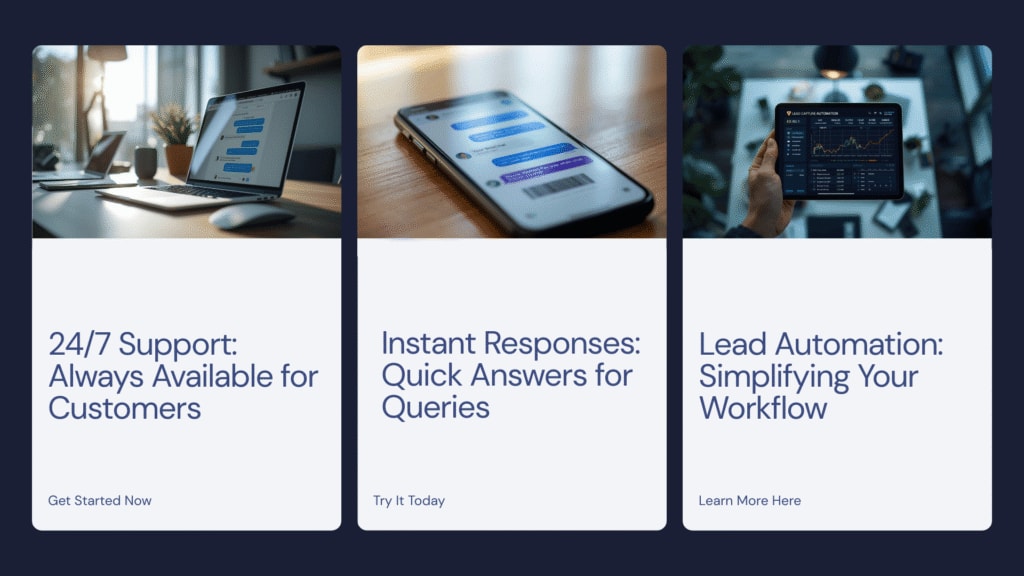
An AI-powered lead capture chatbot addresses these issues by starting a conversation instead of asking for commitment upfront.
What an AI Chatbot Actually Does (Beyond “Live Chat”)
A modern 24/7 AI chatbot is not just a chat box that says “How can I help you?”
It’s designed to:
- Understand common visitor questions
- Guide users toward the right next step
- Collect contact details naturally during conversation
- Qualify leads before they reach your inbox
- Hand off to humans when needed
Unlike traditional live chat, it doesn’t rely on someone being online.
That’s the key difference.
How AI Chatbots Capture Leads 24/7
Let’s break down how lead capture actually happens—step by step.
1. Greeting Visitors at the Right Moment
Timing matters.
AI chatbots can be configured to appear when:
- Someone scrolls a certain amount
- Spends time on pricing or service pages
- Looks inactive or about to leave
Instead of interrupting, the chatbot opens with something simple:
“Have any questions about our services?”
“Not sure which plan fits your needs?”
This creates a low-pressure entry point into conversation.
2. Answering Questions Instantly (Even After Hours)
Many leads are lost simply because answers aren’t available fast enough.
An AI chatbot for small business can instantly respond to questions like:
- Pricing details
- Service availability
- Setup process
- Support coverage
- Next steps
When visitors get answers right away, trust builds naturally.
YourSiteChat uses your website content, FAQs, and custom training to respond accurately—without sounding scripted.
3. Turning Conversations Into Lead Capture
Good chatbots don’t ask for email addresses immediately.
They earn it.
After answering a few questions, the chatbot may say:
“Would you like me to send this info to your email?”
“Want a quick follow-up from our team?”
This feels helpful—not pushy.
Lead capture happens organically through conversation, not forms.
4. Qualifying Leads Automatically
Not all leads are equal.
An AI chatbot for sales funnel optimization can ask simple qualifying questions:
- Company size
- Budget range
- Timeline
- Type of service needed
This helps you:
- Prioritize serious inquiries
- Reduce unqualified leads
- Save time for your sales team
YourSiteChat allows you to customize these questions so they fit your business—not a generic script.
5. Routing Leads to the Right Place
Once information is collected, the chatbot can:
- Send leads to your email or CRM
- Trigger demo booking links
- Route support requests correctly
- Escalate urgent inquiries to humans
This keeps your workflow organized—even while you’re offline.
Practical Examples Across Different Industries
AI chatbots aren’t one-size-fits-all. Let’s look at how different businesses use them effectively.
Service Businesses
For consultants, agencies, and local services, lead capture often depends on timing.
An AI chatbot can:
- Explain services clearly
- Collect project details
- Schedule consultations
- Answer pricing questions
Instead of waiting for callbacks, potential clients get immediate clarity.
SaaS Companies
SaaS visitors often need reassurance before signing up.
An AI chatbot for website onboarding can:
- Explain features
- Compare plans
- Share documentation
- Book demos automatically
YourSiteChat helps SaaS teams capture leads during trials, demos, and pricing research—24/7.
E-commerce Stores
Not every visitor is ready to buy immediately.
Chatbots help by:
- Answering product questions
- Explaining shipping and returns
- Recovering abandoned carts
- Capturing emails for follow-ups
This keeps engagement high without pressuring users.
Education & Course Creators
Students often have similar questions:
- Course structure
- Pricing
- Enrollment deadlines
- Certificates
An AI chatbot provides instant answers and captures interested leads for follow-up—especially helpful across time zones.
Why AI Chatbots Work Better Than Static Forms
Forms ask for commitment upfront.
Chatbots build comfort first.
Here’s why chatbots often outperform traditional lead forms:
- Conversations feel personal
- Questions adapt to user intent
- Less friction on mobile
- Better engagement rates
- Leads feel “heard”
When done right, visitors don’t feel like they’re being sold to.
They feel helped.
Where YourSiteChat Fits In
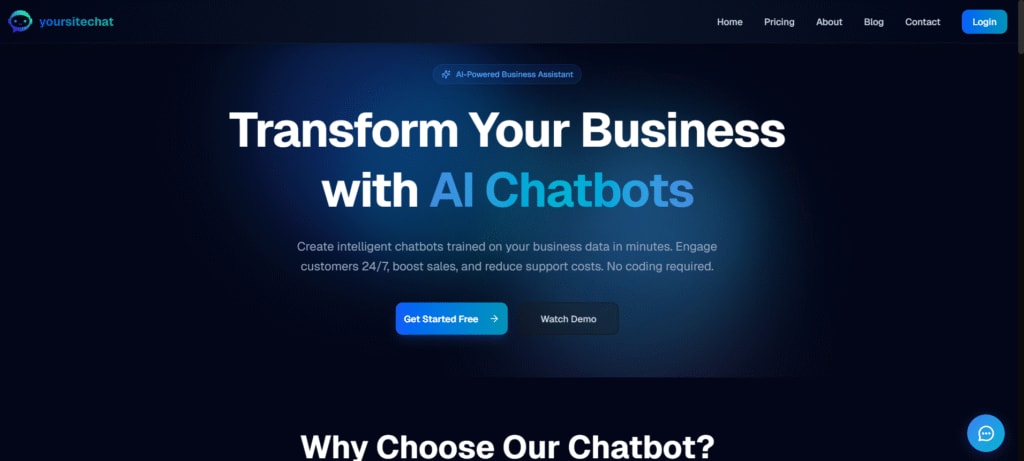
YourSiteChat is designed specifically for businesses that want lead capture without complexity.
It helps by:
- Embedding directly on your website
- Learning from your FAQs, pages, and documentation
- Capturing leads through natural conversation
- Supporting demos, contact requests, and support queries
- Working continuously—without human monitoring
It’s not about replacing your team.
It’s about supporting them when they’re unavailable.
Best Practices for Using AI Chatbots for Lead Generation
Based on real-world usage, here are a few tips:
- Keep greetings friendly and short
- Focus on helping first, selling later
- Ask only essential questions
- Avoid overly formal language
- Review conversations regularly and refine responses
AI chatbots improve over time when you treat them as part of your business—not a plug-and-play gimmick.
Common Misconceptions About AI Chatbots
Let’s clear a few things up.
“Chatbots feel robotic.”
Only if they’re poorly configured. Well-trained bots feel natural.
“They replace human interaction.”
They don’t. They support it.
“Small businesses don’t need them.”
Small teams benefit the most—especially after hours.
“They annoy visitors.”
Not when they’re helpful and optional.
FAQ: AI Chatbots & Lead Capture
1. Do AI chatbots really work for lead generation?
Yes—when used correctly. They don’t force conversions but help guide visitors toward action naturally.
2. Can an AI chatbot replace my contact form?
Not entirely. Chatbots complement forms by capturing leads through conversation instead of static fields.
3. Is an AI chatbot expensive for small businesses?
Many tools, including YourSiteChat, are designed with small teams in mind and don’t require enterprise budgets.
4. Will an AI chatbot hurt my brand voice?
Only if it’s not customized. When trained properly, it reflects your tone and values.
5. Can chatbots handle complex questions?
They handle common and semi-complex questions well, and smart bots know when to escalate to humans.
6. Do AI chatbots work on mobile?
Yes. In fact, chatbots often perform better on mobile than traditional forms.
7. How long does setup take?
With tools like YourSiteChat, basic setup can be done quickly, with refinements over time.
Final Thoughts: Lead Capture Shouldn’t Sleep

Your website works 24/7. Your team doesn’t—and that’s okay.
An AI chatbot bridges that gap.
When implemented thoughtfully, it becomes a quiet assistant that:
- Answers questions
- Builds trust
- Captures leads
- Supports growth
If you’re already investing in traffic, content, and SEO, adding a conversational layer like YourSiteChat simply helps you get more value from what you’ve already built—without pressure or hype.