
Cloud Cost Optimization is the process of reducing unnecessary cloud spending while maintaining the performance, availability, security, and reliability that a business actually needs. It involves understanding cloud usage, removing waste, rightsizing resources, improving storage and compute efficiency, monitoring spending, and making informed pricing decisions.
As cloud environments become more complex, controlling infrastructure costs is no longer only a finance concern. Engineering, finance, product, operations, and business teams increasingly need a shared understanding of how technology spending supports business value. The modern approach combines technical optimization with financial visibility and accountability.
A company may have a reasonable cloud bill today and still have significant waste hidden inside its infrastructure. Development servers may run overnight. Databases may be larger than necessary. Old snapshots may remain stored for months. Workloads may run on expensive resources even when cheaper options would provide adequate performance.
Cloud Cost Optimization addresses these issues systematically.
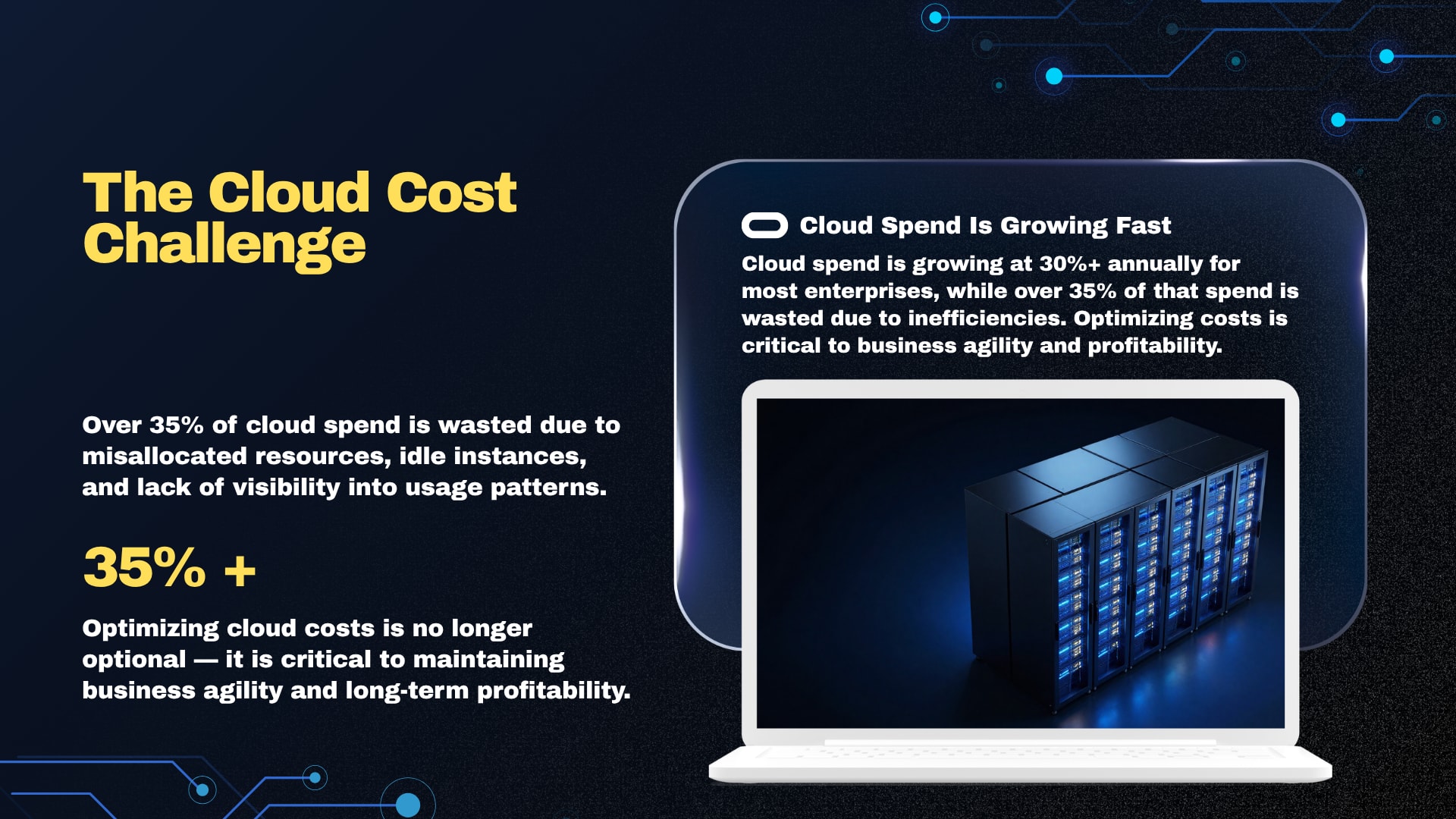
What Is Cloud Cost Optimization and Why Does It Matter?
Cloud Cost Optimization means continuously finding ways to make cloud infrastructure more efficient without damaging business performance or reliability. It combines resource optimization, cost monitoring, pricing decisions, automation, governance, and financial accountability so that every unit of cloud spending has a clear purpose.
Traditional infrastructure often required large upfront purchases. Cloud computing changed that model by making infrastructure more flexible and usage-based. Businesses can provision resources quickly, scale them when demand increases, and reduce them when demand falls.
That flexibility is valuable, but it also creates a different financial challenge.
A cloud resource can be created in minutes and continue generating charges long after the original project has changed. A development environment created for testing may remain active. A temporary database may never be deleted. A virtual machine may be sized for a peak workload that occurs only occasionally.
Cloud spending therefore needs active management.
What causes cloud costs to increase unexpectedly?
Unexpected cloud costs commonly come from a combination of unused resources, poor resource sizing, uncontrolled scaling, inefficient storage, data transfer, duplicated environments, and a lack of cost visibility.
Typical warning signs include:
Virtual machines with consistently low utilization
Development environments running outside working hours
Unused disks, snapshots, or IP addresses
Storage retaining data that no longer needs frequent access
Databases provisioned far above actual requirements
Auto-scaling policies with unsuitable limits
Large amounts of unnecessary data transfer
Cloud resources without clear owners
Multiple teams creating similar infrastructure
Long-term commitments purchased without sufficient usage history
Missing or inconsistent cost allocation tags
The problem is rarely a single expensive service. More often, many small inefficiencies accumulate into a large monthly bill.
Why is cloud cost optimization different from simply cutting costs?
Cost cutting focuses primarily on spending less. Cloud Cost Optimization focuses on obtaining the required business outcome at the most efficient cost.
That distinction matters.
A company could reduce spending by choosing smaller servers, but if applications become slow, customers may leave and employees may lose productivity. Similarly, reducing database capacity without understanding workload patterns could create reliability problems.
A better optimization decision considers:
Performance
Availability
Reliability
Security
Scalability
User experience
Business criticality
Resource utilization
Pricing structure
Long-term operating requirements
The objective is not the cheapest infrastructure in isolation. The objective is the best economic outcome for the workload.
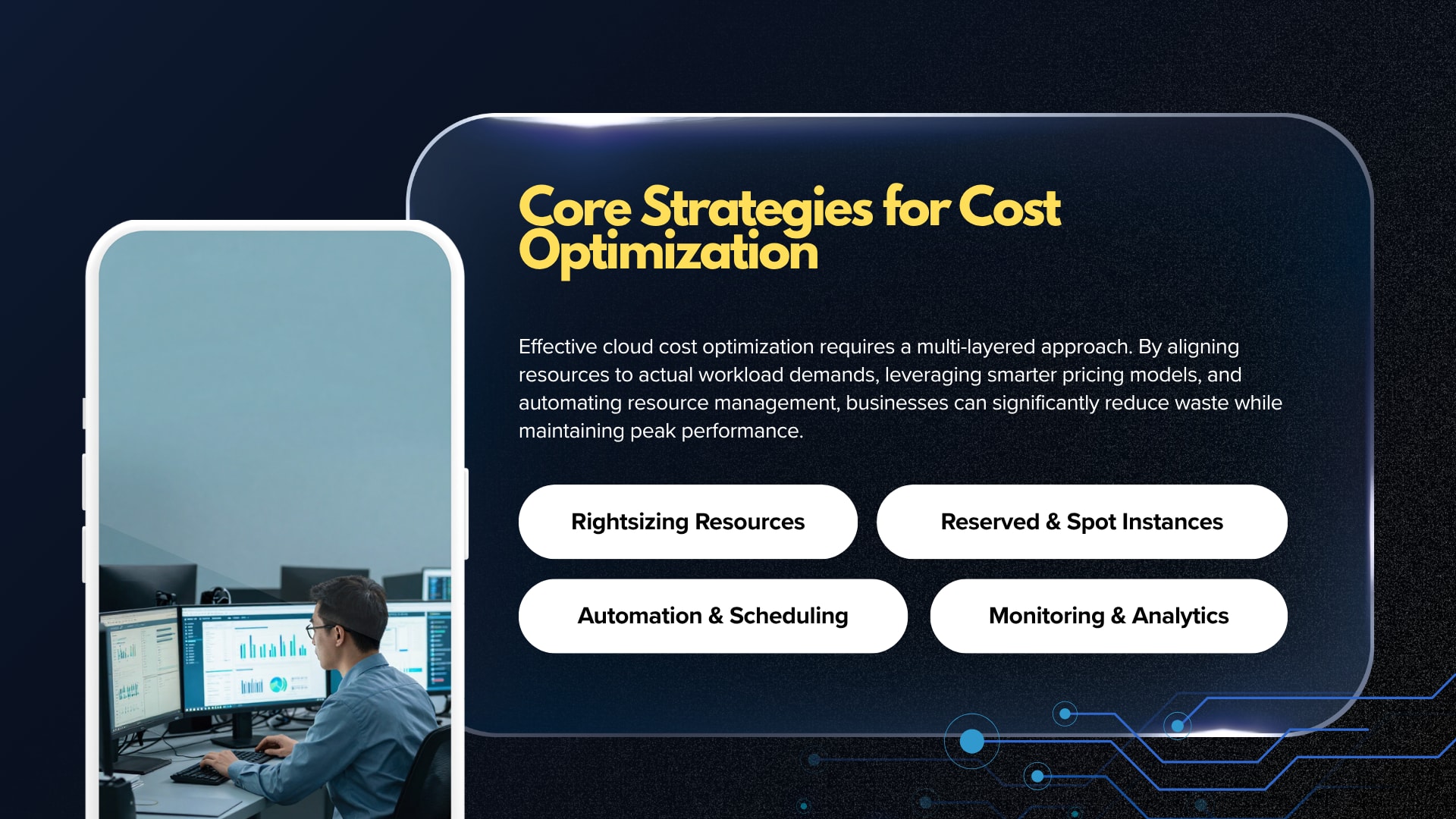
What are the main goals of cloud cost optimization?
A mature optimization program usually aims to achieve several goals at the same time:
Improve visibility — Understand where cloud spending originates.
Remove waste — Eliminate resources that no longer provide value.
Improve utilization — Make existing infrastructure work more efficiently.
Optimize pricing — Select appropriate purchasing and pricing models.
Control growth — Prevent unnecessary spending from increasing unnoticed.
Create accountability — Connect cloud costs with teams, products, or environments.
Automate decisions — Reduce dependence on manual cost reviews.
Connect spending with business value — Measure technology costs against meaningful business outcomes.
A useful optimization program therefore begins with visibility rather than immediately shutting down resources.
How Can Businesses Reduce Cloud Costs Without Hurting Performance?
Businesses can reduce cloud spending safely by first identifying waste, then rightsizing resources, improving scaling, optimizing storage, reviewing pricing commitments, and continuously monitoring usage. The safest approach is incremental: measure the current environment, prioritize low-risk changes, verify performance after each change, and automate proven optimization practices.
Cloud infrastructure should be treated as a living environment rather than a fixed asset.
How does cloud waste develop?
Cloud waste develops when infrastructure continues operating after its original business purpose has changed.
Consider a hypothetical software company with separate development, testing, staging, and production environments. Production may need to run continuously, but development and testing resources may only be required during business hours.
If all four environments operate 24/7, the company is paying for availability that may not be necessary.
Other forms of waste include:
Forgotten virtual machines
Detached storage volumes
Unused database instances
Old backups and snapshots
Duplicate resources
Temporary testing infrastructure
Oversized compute instances
Idle load balancers
Unused reserved capacity
Excessively retained logs
Waste identification is often one of the easiest starting points because it can produce savings without redesigning an application.
What is rightsizing and why is it important?
Rightsizing means matching a cloud resource to the actual workload it needs to handle.
A virtual machine selected during the early development stage might have eight virtual CPUs and a large memory allocation because the team wanted additional capacity. Months later, monitoring may show that the application rarely uses a small portion of those resources.
Instead of continuing to pay for unused capacity, the organization can evaluate a smaller instance.
Rightsizing should not be based on a single CPU measurement.
A proper review considers:
CPU utilization
Memory utilization
Network activity
Storage performance
Application response time
Traffic patterns
Peak workloads
Seasonal demand
Business-critical events
An application serving a major sales event may require significantly more capacity than it needs during normal periods. A simple average can therefore produce misleading recommendations.
When should a business avoid rightsizing?
Rightsizing is not automatically appropriate for every workload.
Some systems require spare capacity because sudden demand increases could affect customers. Other workloads have unpredictable usage patterns. Systems supporting critical transactions may also require additional resilience.
Before reducing capacity, teams should understand the application's performance limits and recovery requirements.
The right question is not:
“Can this server be made smaller?”
It is:
“What capacity does this workload require under normal, peak, and failure conditions?”
That question produces safer optimization decisions.
How can autoscaling reduce cloud spending?
Autoscaling adjusts resources according to workload demand. When demand increases, additional capacity can be added. When demand falls, unnecessary capacity can be removed.
For applications with variable traffic, this can be more efficient than maintaining enough infrastructure for the highest expected demand at all times.
However, autoscaling itself needs careful configuration.
Poorly designed policies may cause:
Resources to scale too aggressively
Frequent scale-in and scale-out events
Unexpected spending during traffic spikes
Slow response during sudden demand
Minimum capacity to remain unnecessarily high
Autoscaling should therefore be combined with sensible minimum and maximum limits, meaningful metrics, cooldown periods, and application performance monitoring.
How should development and test environments be optimized?
Non-production environments often provide strong optimization opportunities because their availability requirements differ from production.
A company may consider:
Automatic shutdown outside working hours
Scheduled startup before working hours
Smaller instance sizes
Temporary environments for short projects
Automated deletion of unused resources
Lower-cost storage for non-critical data
Infrastructure-as-code cleanup workflows
Separate budgets for development teams
For example, a development virtual machine that only needs to operate during weekday working hours does not necessarily need the same operating schedule as a production server.
Automation is especially useful here because manual shutdown depends on people remembering to perform the task.
Which Cloud Cost Optimization Strategies Work Best in AWS, Azure, and Google Cloud?
The strongest Cloud Cost Optimization strategy is provider-specific at the implementation level but consistent at the management level: visibility, allocation, rightsizing, waste removal, scaling, pricing optimization, and continuous monitoring should exist regardless of whether workloads run on AWS, Microsoft Azure, or Google Cloud.
Each major cloud provider offers native tools for understanding and managing spending.
Cloud platformCost management focusCommon optimization opportunitiesAWSBilling visibility, budgets, cost analysis, recommendations and pricing modelsRightsizing, Savings Plans, Reserved Instances, storage lifecycle policies, autoscalingMicrosoft AzureCost Management, budgets, Advisor recommendations and reservationsRightsizing, savings plans, reservations, auto-shutdown, storage and licensing optimizationGoogle CloudBilling reports, budgets, recommendations and cost-management capabilitiesResource optimization, committed-use decisions, autoscaling, storage management and workload efficiency
The exact pricing and product features vary by service and can change over time, so optimization decisions should be based on current provider documentation and workload requirements.
What does AWS cost optimization involve?
AWS cost optimization can involve several layers, including compute, storage, databases, networking, and purchasing models.
Common areas of review include:
EC2 instance utilization
Auto Scaling configuration
EBS volumes
S3 storage classes and lifecycle policies
Database sizing
Reserved Instances
Savings Plans
Spot usage where suitable
Data transfer
Container workloads
Serverless usage patterns
The AWS approach should begin with understanding actual usage rather than purchasing commitments immediately.
Long-term commitments can be useful when workloads are stable, but a rapidly changing architecture may benefit from greater flexibility.
How can Azure costs be optimized?
Azure provides Cost Management capabilities for analyzing, monitoring, allocating, and optimizing Microsoft Cloud spending. Its documentation includes tools for cost analysis, budgets, alerts, recommendations, savings plans, reservations, and cost allocation.
Azure Advisor can identify low-utilization resources and provide cost-related recommendations, including opportunities involving virtual machine sizing.
Azure optimization can therefore involve:
VM rightsizing
Auto-shutdown for suitable development resources
Reservations
Savings plans
Storage optimization
Database optimization
Licensing considerations
Resource tagging
Budget alerts
Cost allocation
Microsoft also recommends treating cost management as an ongoing organizational practice rather than a one-time exercise.
How can Google Cloud costs be reduced?
Google Cloud cost management involves understanding usage and billing across services, identifying inefficient resources, selecting suitable pricing options, and improving workload architecture.
The Google Cloud cost and usage documentation provides resources covering billing, cost management, and cost optimization practices.
Optimization opportunities may include:
Compute resource rightsizing
Autoscaling
Committed-use decisions
Storage lifecycle management
Database optimization
Data transfer review
Idle resource removal
Workload scheduling
Architecture improvements
As with other providers, the most effective approach depends on workload behavior rather than simply selecting the lowest listed price.
How Do FinOps and Cloud Cost Management Work Together?
FinOps is an operating framework and cultural practice that connects engineering, finance, and business teams around technology value. It helps organizations make timely, data-driven decisions while creating accountability for technology usage and spending.
Cloud Cost Optimization often focuses on technical actions. FinOps adds an organizational layer.
For example, an engineering team may know that a database costs a certain amount each month. A finance team may know the total cloud budget. A product team may know how much revenue or customer activity the database supports.
FinOps helps connect those perspectives.
Why is FinOps important for cloud spending?
Cloud infrastructure changes quickly. Developers can create resources without waiting for traditional procurement processes, and workloads can scale automatically.
That flexibility creates a need for shared responsibility.
The FinOps Foundation describes the practice around areas such as understanding usage and cost, quantifying business value, optimizing usage and cost, and managing the FinOps practice. Its 2026 framework also emphasizes executive strategy alignment and broader technology categories.
A practical FinOps model can involve:
Engineering teams managing technical efficiency
Finance teams monitoring budgets and forecasts
Product teams connecting costs to business outcomes
Leadership setting financial priorities
Procurement reviewing commitments
Operations monitoring resource usage
Security teams ensuring optimization does not weaken controls
What are the main stages of a FinOps practice?
A useful way to understand FinOps is through three broad activities:
Inform:
Organizations establish visibility into usage and spending.
Optimize:
Teams identify opportunities to improve resource efficiency and pricing.
Operate:
The organization embeds cost management into regular business and technology processes.
This creates a continuous cycle instead of an annual cost-cutting exercise.
The FinOps Foundation's framework is intentionally flexible, allowing organizations to begin with the areas where the greatest need exists and expand maturity over time.
How Should Cloud Cost Monitoring and Allocation Be Managed?
Cloud cost monitoring gives organizations visibility into spending patterns, while cost allocation connects that spending to teams, products, projects, environments, or business units. Together, they help identify unexpected increases, establish accountability, improve forecasting, and prioritize optimization work.
Without visibility, optimization becomes guesswork.
A monthly invoice may show that spending increased, but it may not immediately explain why.
What should cloud cost monitoring track?
A useful monitoring program can track:
Total cloud spending
Spending by service
Spending by environment
Spending by product
Spending by team
Month-over-month changes
Budget versus actual spending
Resource utilization
Unusual spending patterns
Commitment utilization
Optimization recommendations
The goal is not to create dashboards simply because dashboards are available.
The information should support decisions.
Why are tagging and cost allocation important?
Cost allocation answers a basic question:
Who or what is responsible for the spending?
Without meaningful allocation, a shared cloud bill can become difficult to manage.
A company might have separate products, departments, environments, and geographic regions. If all resources are grouped into a single financial view, teams may struggle to understand their actual consumption.
Useful tagging structures can include:
Application
Product
Department
Environment
Owner
Project
Cost center
Business unit
Tags should be consistent and governed.
A tag called environment has limited value if one team uses prod, another uses production, and a third uses live.
Microsoft's cost allocation guidance also emphasizes resource hierarchy, billing structures, tags, and allocation rules as tools for assigning spending to responsible groups.
How can businesses detect unusual cloud spending?
Anomaly detection can help identify spending patterns that differ from expected behavior.
A sudden increase could result from:
A traffic spike
A deployment change
An accidentally oversized resource
A runaway workload
Excessive data transfer
A new service being enabled
A failed cleanup process
Unexpected automation behavior
An alert should trigger investigation rather than automatic shutdown in every situation.
A legitimate traffic surge can increase costs while also generating valuable business activity. Automatically stopping resources simply because spending increased could damage availability.
Context matters.
Which Cloud Resources Should Be Optimized First?
The best starting point is usually a combination of high-cost, low-utilization, easy-to-change resources. Organizations often begin with idle compute, oversized instances, unnecessary storage, non-production environments, and workloads with predictable usage patterns.
A practical optimization review can prioritize resources according to four factors:
Cost impact
Potential savings
Implementation difficulty
Business risk
A low-risk optimization with moderate savings may be more valuable initially than a technically complex redesign with uncertain benefits.
How can compute costs be optimized?
Compute optimization involves matching processing capacity with actual demand.
Potential actions include:
Rightsizing instances
Autoscaling
Scheduling non-production resources
Using suitable pricing commitments
Moving appropriate workloads to lower-cost compute options
Reviewing container resource requests and limits
Evaluating serverless architectures
Removing idle workloads
Containerized environments deserve special attention.
A Kubernetes workload may request more CPU and memory than it actually consumes. If those requests are multiplied across many replicas, the organization may effectively reserve capacity that provides little value.
Optimization must still account for workload spikes and reliability requirements.
How can storage costs be optimized?
Storage often appears inexpensive on a per-unit basis, but large environments can accumulate significant costs over time.
Storage optimization can include:
Deleting unnecessary data
Moving older data to appropriate storage tiers
Applying lifecycle policies
Removing obsolete snapshots
Reducing unnecessary replication
Reviewing backup retention
Compressing suitable data
Separating frequently accessed and archival information
Retention policies should be based on business and regulatory requirements.
Deleting data simply because it is old can create compliance or operational problems.
The better question is:
How long must this data remain immediately accessible, and what level of availability does it require?
How should databases be optimized?
Databases can become expensive because of both infrastructure and data growth.
Optimization opportunities may include:
Rightsizing database instances
Reviewing provisioned capacity
Removing unused databases
Optimizing storage
Reviewing backup retention
Improving queries
Archiving old data
Using replicas appropriately
Evaluating serverless or autoscaling options where suitable
Database optimization should involve application and database teams together.
A smaller database server may reduce the bill while creating slower queries and higher application latency. In some cases, query optimization can produce a better result than simply reducing infrastructure.
Should Businesses Use Reserved Instances and Savings Plans?
Reserved capacity and savings plans can reduce costs when workloads have predictable, long-term usage. They should be considered after usage patterns are understood because committing too early can create financial waste if infrastructure requirements change.
Commitment-based pricing is not inherently good or bad.
Its value depends on workload stability.
When do long-term commitments make sense?
They are generally more attractive when:
Workloads run consistently
Capacity requirements are predictable
The architecture is relatively stable
The organization has sufficient usage history
The business expects the workload to remain active
They may be less appropriate for:
Short-term projects
Rapidly changing applications
Experimental environments
Uncertain workloads
Systems undergoing major architectural changes
A common mistake is purchasing a large commitment because a workload is currently expensive without considering whether the workload will remain at the same level.
What are spot or preemptible resources?
Cloud providers offer lower-cost capacity options for workloads that can tolerate interruption.
These options can work well for:
Batch processing
Data analysis
Rendering
Testing
Fault-tolerant workloads
Distributed jobs
Certain CI/CD workloads
They are not suitable for every production workload.
The architecture must be able to handle interruptions gracefully. If interruption causes major customer impact, the apparent price advantage may not justify the operational risk.
What Cloud Cost Optimization Tools Should Businesses Use?
Cloud Cost Optimization tools generally fall into several categories: native cloud billing tools, resource monitoring platforms, FinOps tools, infrastructure automation systems, and internal dashboards. The right toolset depends on cloud scale, architecture, organizational maturity, and the level of cost visibility required.
Native tools should usually be understood before adding third-party platforms.
What can native cloud tools provide?
Native tools commonly support:
Cost analysis
Budgets
Alerts
Usage reports
Recommendations
Billing exports
Resource information
Pricing calculators
Commitment analysis
Microsoft Cost Management, for example, provides capabilities for cost analysis, budgets, alerts, optimization recommendations, savings plans, reservations, and cost allocation.
Google Cloud also provides dedicated cost and usage documentation and optimization resources.
When are third-party FinOps tools useful?
Third-party platforms can become valuable when organizations operate across multiple cloud providers or need deeper financial reporting.
Potential capabilities include:
Multi-cloud cost visibility
Advanced allocation
Automated recommendations
Forecasting
Unit economics
Commitment management
Anomaly detection
Executive reporting
Policy enforcement
However, adding a sophisticated tool does not automatically create a mature FinOps practice.
If resource ownership is unclear and tagging is inconsistent, a more advanced dashboard may simply make a complicated problem easier to visualize.
What Are the Most Common Cloud Cost Optimization Mistakes?
The most common mistakes include focusing only on the monthly bill, cutting resources without considering performance, purchasing commitments too early, ignoring data transfer, failing to assign resource ownership, and treating optimization as a one-time project.
Mistake 1: Optimizing only after receiving a large bill
Reactive optimization creates unnecessary pressure.
A better approach uses regular monitoring so unusual spending can be identified before it becomes a major financial problem.
Mistake 2: Treating every resource equally
Not every cloud resource deserves the same optimization effort.
A low-cost internal test server may not deserve the same attention as a major production database.
Prioritization improves the return on optimization work.
Mistake 3: Focusing only on compute
Compute is visible, but cloud spending can also involve:
Storage
Databases
Networking
Observability
Data transfer
Managed services
Licensing
Backup systems
Security services
A compute-only strategy can miss important sources of waste.
Mistake 4: Buying commitments too early
Long-term pricing commitments should follow usage analysis, not replace it.
A company should understand the workload before deciding how much capacity to commit.
Mistake 5: Ignoring engineering behavior
Cloud costs are strongly influenced by technical decisions.
Architecture, deployment practices, resource defaults, logging, backup policies, and application design all influence spending.
Cost management therefore cannot be owned exclusively by finance.
Mistake 6: Measuring savings without measuring business impact
A lower cloud bill is not necessarily a successful optimization.
Performance, availability, deployment speed, customer experience, and developer productivity should also be considered.
What Is a Practical Cloud Cost Optimization Process?
A practical optimization process starts with visibility, identifies the largest opportunities, evaluates technical and financial risk, applies changes gradually, and measures the result. The process should then become continuous through monitoring, governance, automation, and regular reviews.
A five-stage workflow can provide a useful starting point.
Step 1: Establish complete cost visibility
The first step is understanding where money is being spent.
The organization should map:
Accounts or subscriptions
Projects
Applications
Services
Environments
Teams
Cost centers
Resource owners
Cost data should be connected to operational information wherever possible.
Step 2: Identify waste and inefficiency
The next stage is finding:
Idle resources
Underused resources
Oversized resources
Unused storage
Unnecessary snapshots
Non-production environments running continuously
Unexpected traffic or data transfer
Poorly configured scaling
This stage should create an optimization backlog.
Step 3: Prioritize opportunities
Each opportunity should be evaluated based on:
Estimated financial impact
Technical complexity
Business risk
Implementation time
Confidence in the recommendation
Low-risk, high-value opportunities are usually strong candidates for early action.
Step 4: Implement and verify changes
Optimization should not end when a resource is resized or deleted.
Teams should verify:
Application performance
Error rates
Availability
Resource utilization
Customer experience
Actual cost change
This prevents theoretical savings from being mistaken for real savings.
Step 5: Automate recurring controls
Once successful practices are understood, automation can reduce manual effort.
Examples include:
Scheduled shutdowns
Lifecycle policies
Budget alerts
Resource expiration policies
Automated tagging
Infrastructure-as-code guardrails
Anomaly alerts
Policy enforcement
Automation turns optimization from a recurring manual task into part of normal cloud operations.
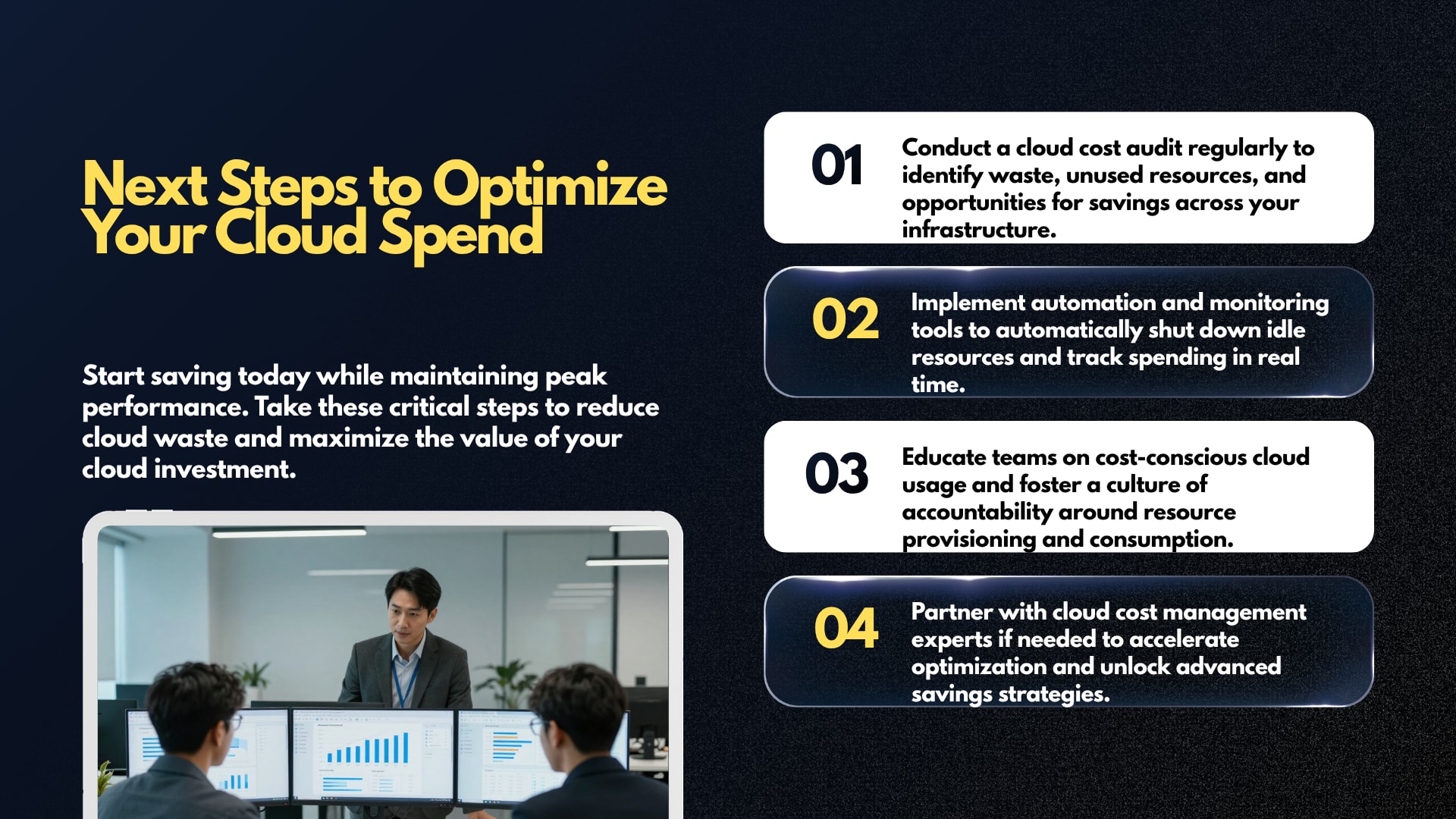
How Can Cloud Cost Optimization Deliver Better Business ROI?
Cloud Cost Optimization improves ROI when technology spending becomes more closely connected to business outcomes. Instead of asking only how much infrastructure costs, organizations can evaluate the cost of serving customers, processing transactions, supporting products, or generating revenue.
This is where cloud financial management becomes more strategic.
Consider a hypothetical e-commerce platform.
Its cloud bill may increase during periods of higher traffic. That increase is not necessarily a problem if the additional infrastructure supports profitable business activity.
A better measurement approach might examine:
Cloud cost per order
Cloud cost per active customer
Cloud cost per transaction
Cloud cost per application
Infrastructure cost per business unit
Cost of serving a specific product
These measurements provide more context than total spending alone.
Why is unit economics useful?
Unit economics connects infrastructure spending with something the business understands.
For example, if a digital platform processes 1 million transactions each month, infrastructure spending can be evaluated in relation to transaction volume.
If transaction volume increases while infrastructure costs remain relatively stable, infrastructure efficiency may be improving.
If infrastructure spending rises much faster than business activity, architecture and resource utilization may deserve closer examination.
The exact metric depends on the business model.
A SaaS company might measure infrastructure cost per active customer. A media company might consider cost per streamed hour. A logistics platform might evaluate cost per shipment.
Cloud optimization becomes more meaningful when technical spending is connected to these outcomes.
How Can Organizations Build a Long-Term Cloud Cost Optimization Culture?
A sustainable optimization culture requires shared ownership, clear policies, accessible cost data, regular reviews, and leadership support. Engineering teams need enough visibility to understand the financial effect of technical decisions, while finance and business teams need enough technical context to make sensible cost decisions.
The culture should avoid blame.
If developers are punished every time cloud spending rises, they may become reluctant to scale systems even when additional capacity is justified.
Instead, organizations can focus on informed decisions.
Useful practices include:
Assigning ownership to major resources
Establishing cost budgets
Reviewing unusual spending
Including cost in architecture discussions
Setting resource standards
Educating engineering teams
Tracking unit economics
Reviewing commitments regularly
Sharing optimization results
Recognizing responsible resource usage
FinOps works well in this environment because it emphasizes collaboration rather than treating cloud spending as the responsibility of one department.
What Role Can Automation and AI Play in Cloud Cost Optimization?
Automation can reduce repetitive optimization work, while AI can help teams analyze large amounts of usage and billing information, identify patterns, explain anomalies, and prioritize potential actions. Human review remains important when optimization decisions could affect performance, security, reliability, or customer experience.
Automation is particularly useful for predictable actions.
For example, a development environment may follow a known schedule. A storage bucket may follow a defined retention policy. An unused temporary environment may have an expiration date.
AI can support more complex analysis by connecting signals that are difficult to review manually.
Potential use cases include:
Explaining unexpected spending changes
Grouping similar cost anomalies
Identifying underutilized resources
Suggesting rightsizing candidates
Forecasting usage
Summarizing billing data
Prioritizing optimization recommendations
Connecting costs to application behavior
The quality of these systems depends on the quality of the underlying data.
Poor tagging, incomplete billing data, and unclear ownership can produce weak recommendations.
Where can conversational AI help?
Cloud teams frequently need quick answers to operational questions such as:
Why did spending increase?
Which service generated the largest change?
Which resources are underutilized?
What does a particular billing item mean?
What should be checked before changing a resource?
A conversational support layer can make internal information easier to access.
For organizations exploring AI-based customer or internal communication tools, YourSiteChat can be considered as a contextual option for building conversational support experiences. Its relevance to cloud operations depends on the specific use case, data integrations, and access controls required.
AI should support decision-making rather than automatically making high-impact infrastructure changes without appropriate safeguards.
What Are the Best Cloud Cost Optimization Practices for 2026?
The strongest practices in 2026 combine traditional cloud efficiency with FinOps, automation, better allocation, workload-aware architecture, and closer measurement of business value. Organizations are increasingly treating technology spending as a broader value-management problem rather than simply a cloud billing problem.
The evolution of FinOps reflects this shift. The 2026 FinOps Framework updates expand attention toward executive strategy alignment and a wider range of technology categories.
A modern optimization program can follow these principles:
1. Build visibility before making major changes
Cost data should be understandable by the people making technical and business decisions.
2. Optimize usage before buying commitments
Resource efficiency should be addressed before organizations lock themselves into long-term pricing arrangements.
3. Connect costs to ownership
Every important workload should have an accountable team or business owner.
4. Use automation for predictable waste
Scheduled shutdowns, lifecycle policies, expiration rules, and alerts can reduce recurring waste.
5. Treat architecture as part of cost management
The architecture determines how resources scale, communicate, store information, and consume managed services.
6. Measure performance alongside cost
Savings should never be evaluated in isolation from reliability and user experience.
7. Review pricing models regularly
Cloud pricing options and workload requirements can change. A pricing decision that was appropriate previously may not remain optimal.
8. Use unit economics
Total cloud spending provides one perspective. Cost per customer, transaction, workload, or product can provide another.
9. Make optimization continuous
A monthly or quarterly review is useful, but continuous monitoring is stronger.
10. Keep humans involved in high-risk decisions
Automation should handle predictable tasks while important architectural and business decisions receive appropriate review.
What Does the Future of Cloud Cost Optimization Look Like?
The future of Cloud Cost Optimization is moving toward continuous, automated, business-aware technology value management. Cloud, AI workloads, SaaS, data platforms, and other technology expenses increasingly need to be evaluated together rather than managed as isolated budgets.
AI is one of the most significant areas requiring this approach.
AI workloads can involve compute-intensive model training, inference, storage, data processing, and high-volume API usage. Their cost behavior can differ significantly from traditional application workloads.
A useful optimization program therefore needs to ask:
What business value does the AI workload create?
How much does each inference or workflow cost?
Which models are appropriate for different tasks?
How often are expensive models being used?
Can workloads be scheduled or batched?
Is the infrastructure being utilized efficiently?
Are data-processing costs understood?
Does additional model quality justify additional spending?
The same principle applies beyond AI.
FinOps is increasingly expanding into broader technology value management, with the 2026 framework explicitly reflecting a wider range of technology categories and strategic considerations.
How Should a Business Start Cloud Cost Optimization Today?
A business starting from scratch does not need a large FinOps department or a complicated technology stack. The first objective should be basic visibility, followed by a focused review of waste, ownership, resource utilization, and recurring spending patterns.
A practical starting plan can look like this:
Week 1: Understand spending
Review current cloud bills
Identify the largest services
Map accounts and subscriptions
Identify major environments
Establish basic ownership
Week 2: Find obvious waste
Check idle compute
Review unused storage
Find old snapshots
Review development environments
Identify oversized resources
Week 3: Improve efficiency
Rightsize suitable workloads
Configure schedules
Review storage policies
Examine scaling configuration
Evaluate data transfer
Week 4: Establish governance
Create budgets
Configure alerts
Standardize tags
Assign owners
Establish recurring reviews
After the first month, the organization can begin evaluating more advanced opportunities such as pricing commitments, architecture changes, unit economics, and automated optimization.
The first objective should not be achieving a perfect cloud environment.
The objective should be creating a repeatable system for making better decisions.
Final Takeaways: Why Cloud Cost Optimization Should Be an Ongoing Practice
Cloud Cost Optimization is not simply a method for making a cloud bill smaller. It is a structured approach to ensuring that cloud infrastructure delivers the required business value at an appropriate cost.
The strongest programs combine technical efficiency with financial visibility and business context.
The most important principles are straightforward:
Understand where cloud spending comes from.
Remove resources that no longer provide value.
Rightsize infrastructure based on real workload behavior.
Use autoscaling when demand varies.
Optimize storage and retention policies.
Review databases and compute resources regularly.
Evaluate reservations and savings plans only after understanding usage.
Monitor spending continuously.
Use consistent tags and ownership.
Connect technology costs to products, customers, or business activity.
Build collaboration between engineering, finance, product, and leadership.
Automate predictable optimization tasks.
Measure savings alongside performance and reliability.
Treat FinOps as an ongoing operating practice rather than a one-time project.
Cloud environments are designed to provide flexibility. That flexibility becomes a financial advantage only when organizations understand how resources are consumed and why they are being used.
A well-designed Cloud Cost Optimization program does not ask every team to spend less at any cost. It asks a more useful question: What is the most efficient way to deliver the required business outcome?
That shift changes cloud spending from an unpredictable operational expense into a measurable part of technology strategy.
As cloud architectures continue to evolve and AI, data platforms, SaaS, and other technology services become increasingly interconnected, organizations that understand both technical efficiency and business value will be better positioned to make informed technology investment decisions.
For businesses building a long-term cloud strategy, authoritative guidance from the FinOps Foundation Framework and Microsoft Cost Management documentation provides useful reference material for developing structured cost-management practices.
Ultimately, effective optimization is not about paying the lowest possible cloud bill. It is about paying for the right resources, at the right scale, for the right workloads, with a clear understanding of the value those resources create.